Help / Motion
Glass loupe
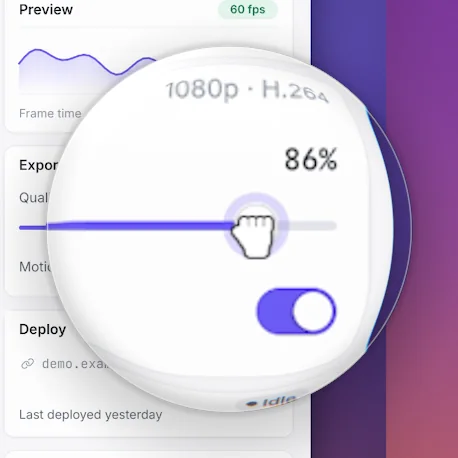
Open the Callouts tab (⌘9) and click Loupe to add one at the playhead, or drag on the timeline's Loupe row. A glass loupe follows the pointer and magnifies what's under it.
Add a loupe
- Open the Callouts tab (⌘9) and click Loupe under Add at the playhead.
- Or click Add in the timeline bar and pick Loupe.
- Or select a zoom and press L, or click Loupe on its card, to add a loupe over that zoom.
Loupes sit on the timeline's Loupe row. Drag on an empty part of it to add one for that stretch.
The loupe follows the pointer and magnifies what's under it.
Change it
Click the loupe on the timeline. On the right:
- Magnify: how much it enlarges.
- Size: how big the lens is.
The look of the glass (Glass highlights, Bevel, Refraction, Dispersion, Shadow and Transition) is in Callouts › More settings › Loupe glass, and applies to every loupe.
Updated 22 October 2026Something unclear? Tell us