Help / Frame
Device frames
Phone and tablet recordings are framed automatically. Open the Frame tab (⌘6) to pick another design or colour, or set Frame to Always to frame a Mac recording too.
Choose a frame
- Open the Frame tab (⌘6). For a phone or tablet recording, Device frame is right there under Around your screen. For a Mac recording, it's under More settings › Device frame.
- Set Frame: - Auto frames phone and tablet recordings and leaves Mac recordings alone. - Off never frames. - Always frames any recording, including your Mac screen.
- Click a design and a colour.
| Kind | Designs |
|---|---|
| Phones | Phone, Notch, Edge, Classic |
| Tablets | Tablet, Compact, Classic |
| Mac | Laptop, Thin, Display |
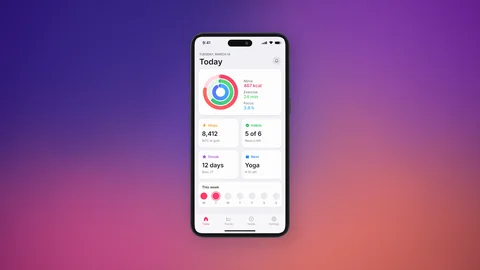
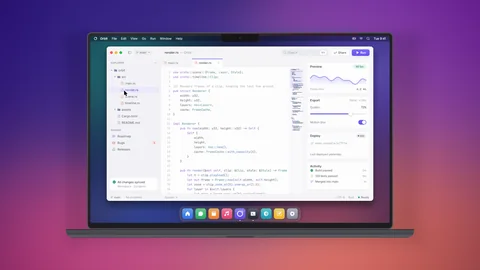
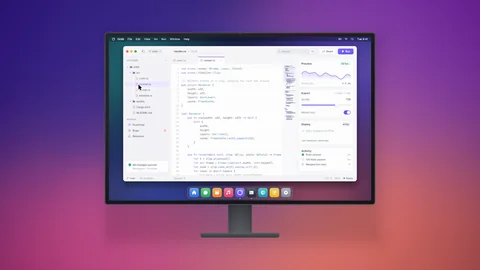
Under Colour, pick a colour for the body. The line under the colours names it.
Updated 22 October 2026Something unclear? Tell us