Help / Edit
Find any action with ⌘K
Press ⌘K in the editor, type a few letters of what you want, such as "blur" or "export gif", and press Return.
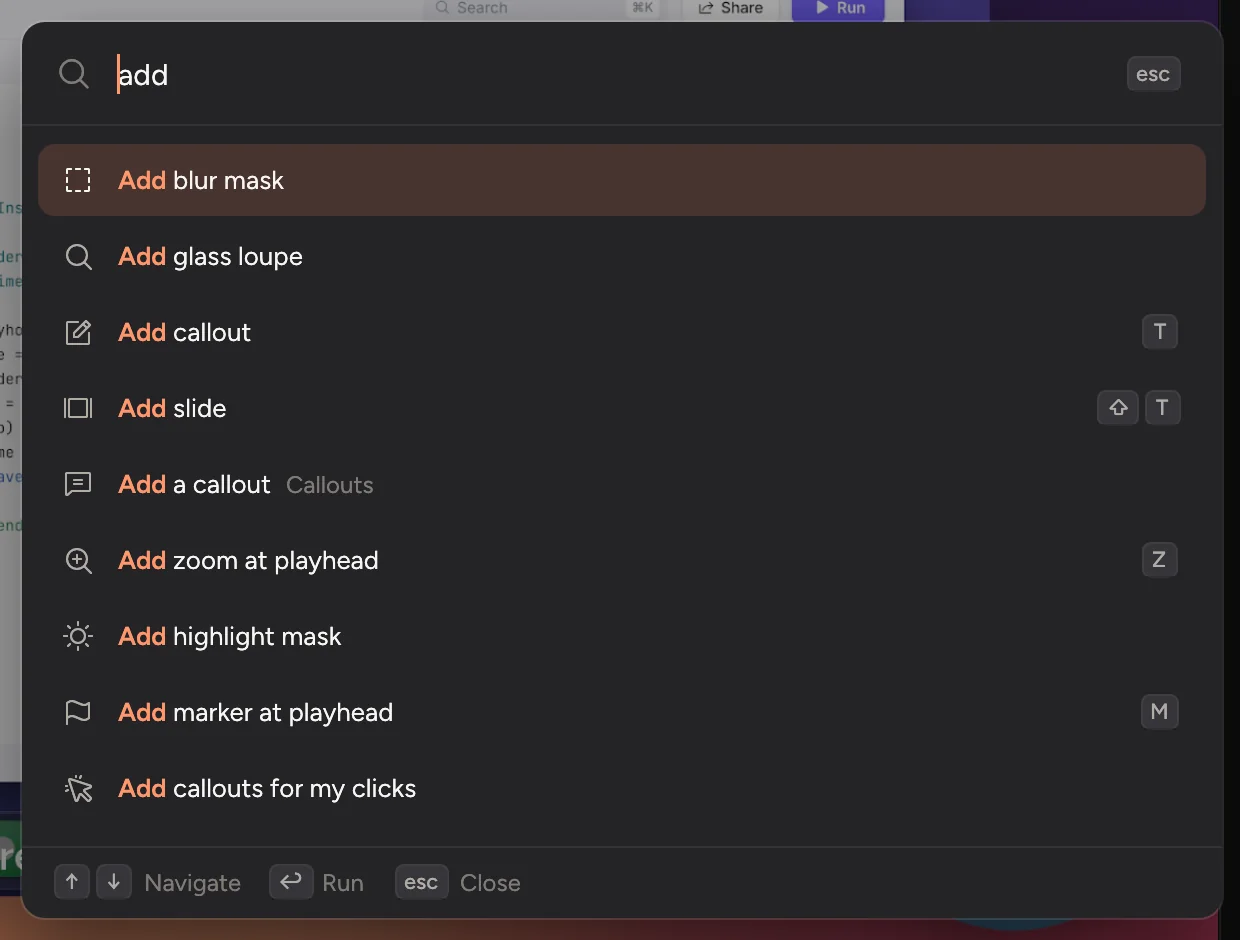
- Press ⌘K, or click Commands at the top of the editor.
- Type a few letters. Plain words work too: "voice over" finds Record voiceover, and "product hunt" finds Export launch pack….
- Use ↑ and ↓ to choose, then press ↩. Press esc to close.
Each action shows its keyboard shortcut, if it has one, so you learn them as you go.
See every action in the commands reference.
Updated 22 October 2026Something unclear? Tell us