Every step labelled.
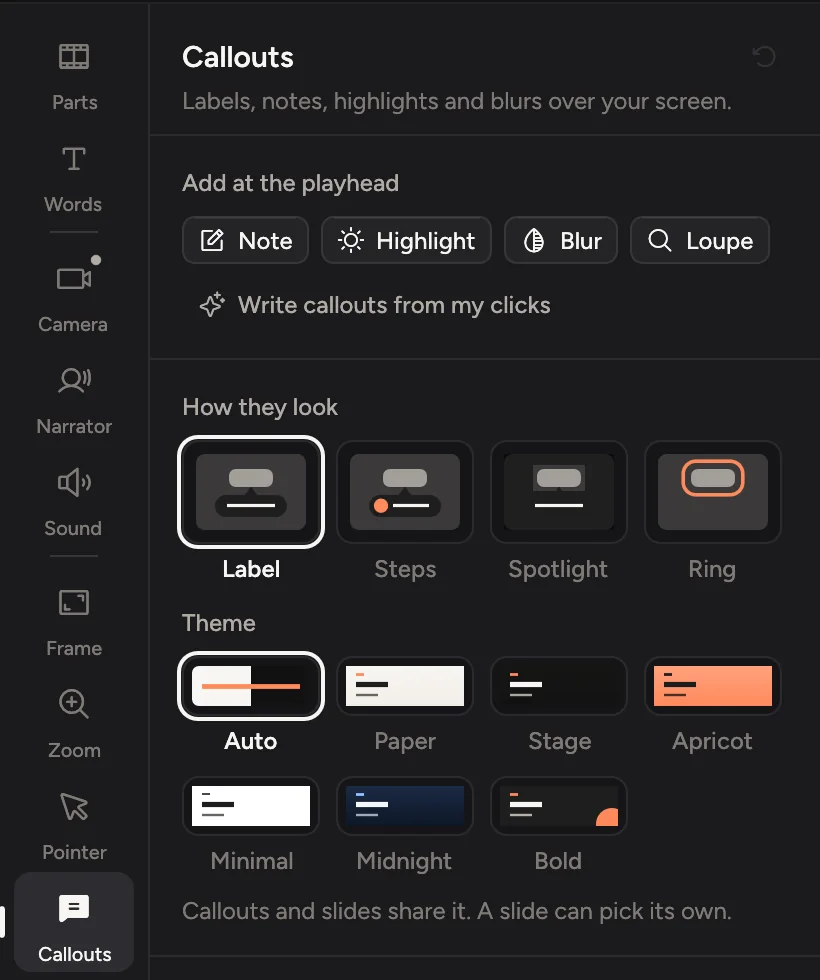
Turn on Note what I click before you record. Cinemac then writes a label for each click, like “Click Publish”, and can number them as steps.
- Callouts for my clicks
- Numbered steps
- Spotlight and ring
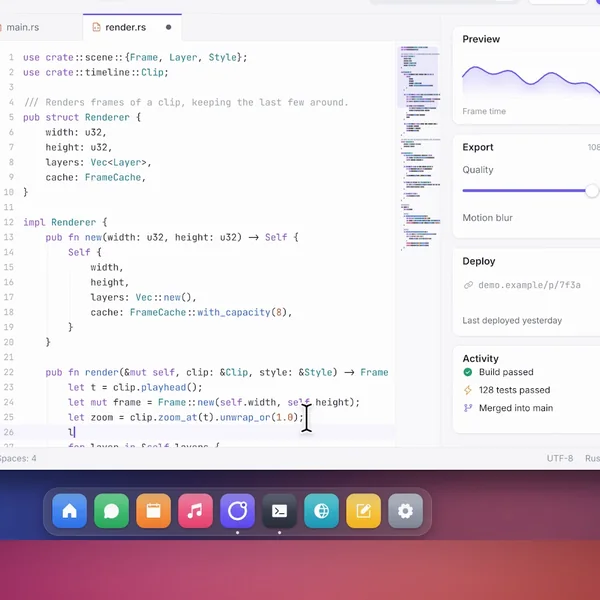
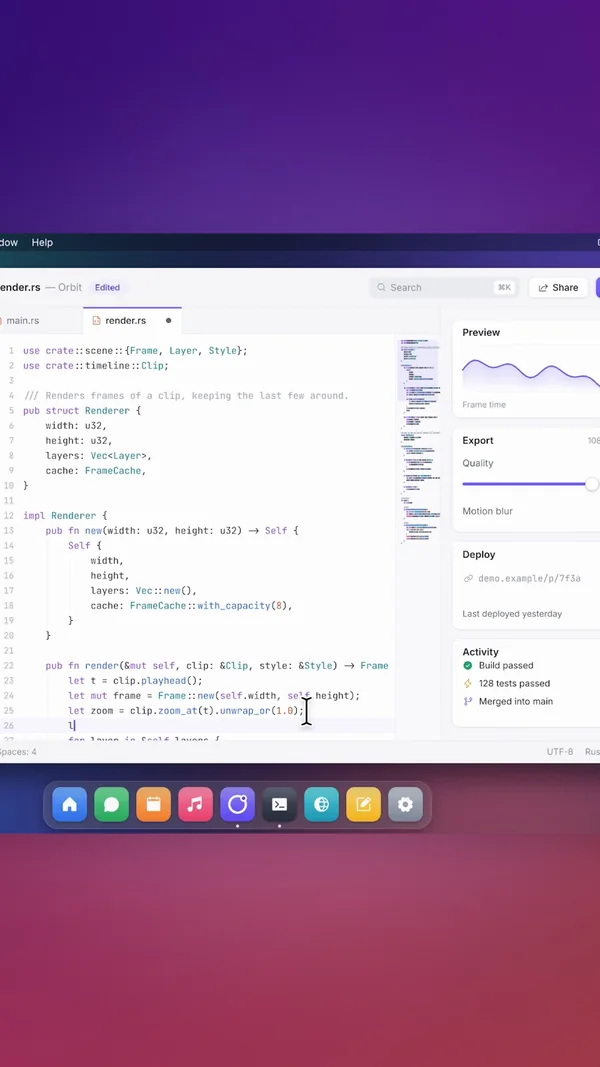
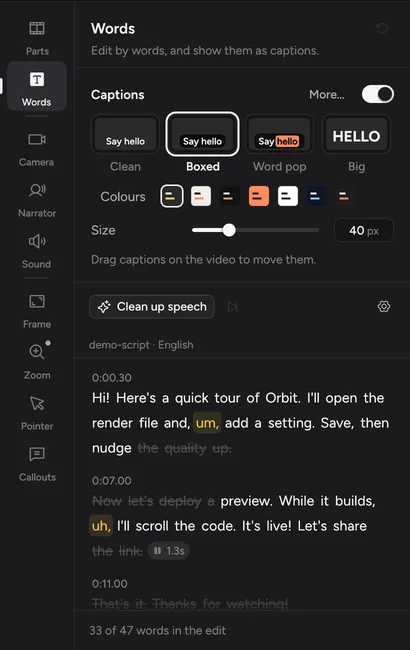
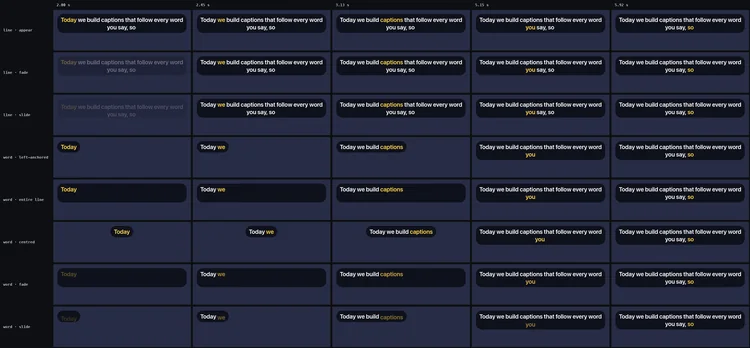
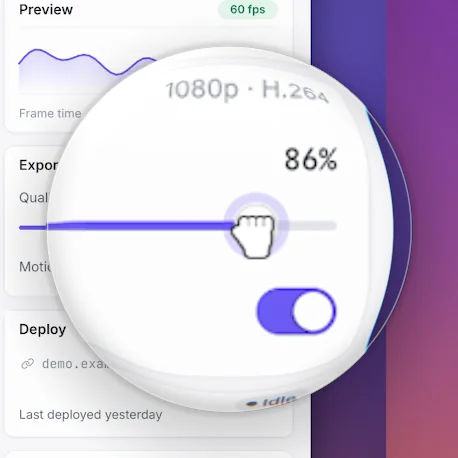
Record the steps once. Cinemac zooms in on each click, labels what you clicked, blurs private details and adds captions, so your help article has a video by lunch.
Three things that make a how-to easy to follow and safe to publish.
Turn on Note what I click before you record. Cinemac then writes a label for each click, like “Click Publish”, and can number them as steps.
Blur, pixelate or black out anything private. Masks move with the screen when it zooms, and they fade in early so nothing shows for a frame. The recording never leaves your Mac.
Export an MP4 or a GIF, or copy the video and paste it into your help desk. Record a window at the same size every time so every video matches.
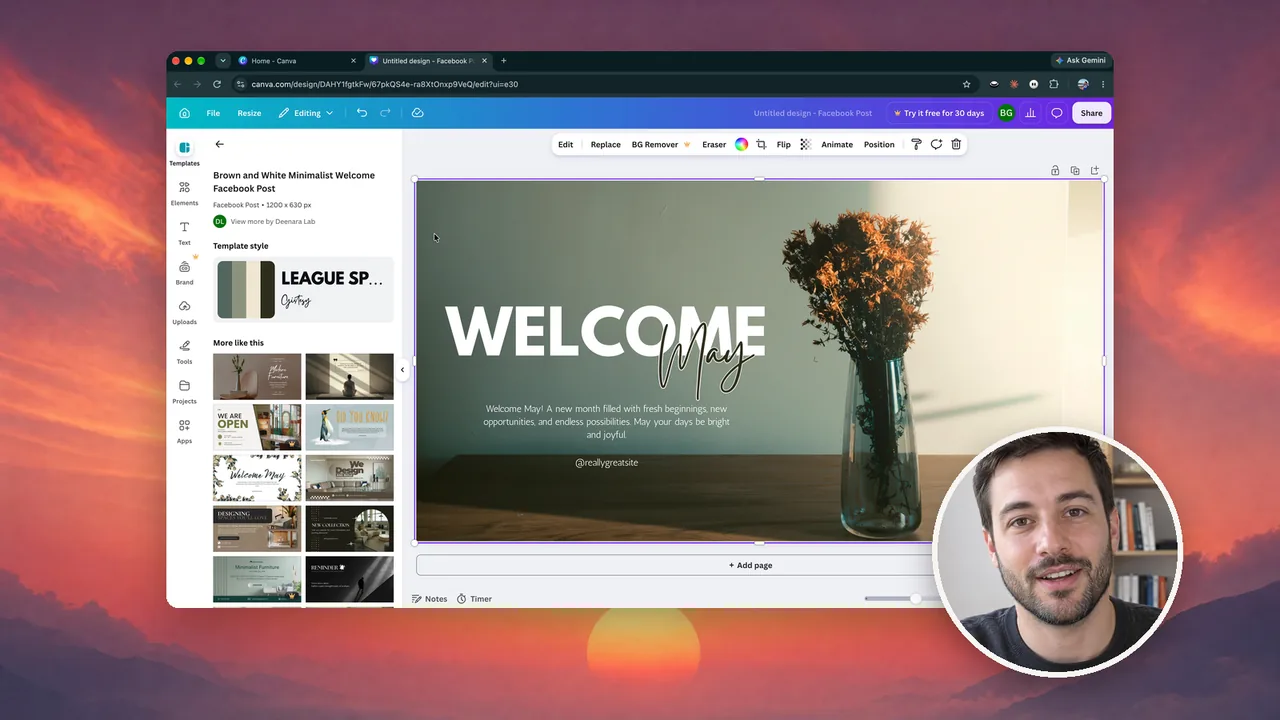
Mixpanel Basics, a two-minute tutorial made in Cinemac. An AI presenter introduces it, then each click zooms in and every word is captioned, so anyone can follow along.
Recorded in our own Mixpanel workspace. Cinemac isn’t affiliated with Mixpanel.


Cinemac records, edits and exports on your computer. Something only leaves your Mac when you send it. We couldn’t watch your bloopers if we wanted to.
Every update included. Cancel anytime.
Yes. With Note what I click on, Cinemac records the name of each button you click and writes a callout for it, like “Click Publish”. For older recordings it reads the text under the click instead.
Blur, pixelate or black out anything private. Masks move with the screen when it zooms, and they fade in early so nothing shows for a frame.
Yes. Export an MP4 or a GIF, or copy the video to the clipboard, and add it to your article like any other file.
Yes. Cinemac can resize a window to a preset size before it records, and it remembers areas you record often.
Yes. Captions are made on your Mac from what you said. Show them in the video or export them as an .srt file.
Yes. Download Cinemac, sign in with your email and record and edit your own video for free. To save projects and export videos, subscribe: $20 a month, or $129 a year. See pricing.
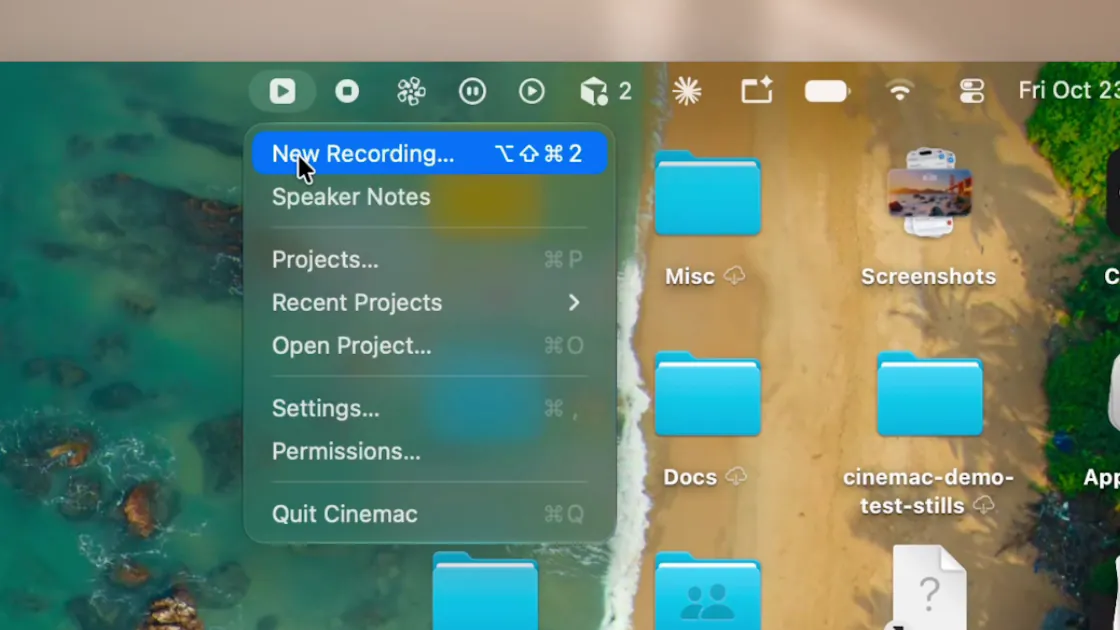
One subscription for Mac and PC. Record and edit free. Subscribe when you’re ready to save and export.