Cinemac for course creators

Record your course on your Mac. Skip the editing.

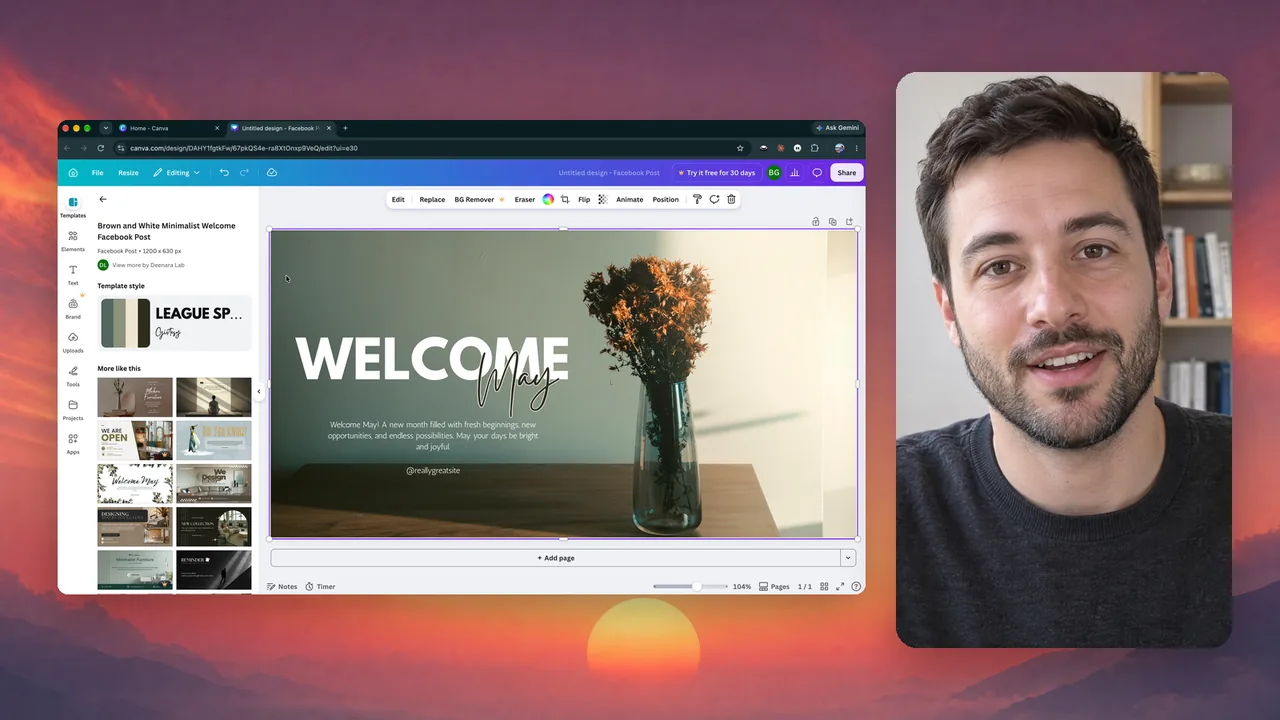
Teach with your screen and your face together, or type a script and an AI presenter teaches it. Cinemac zooms in where you click, scrolls your script as you speak, cuts the ums and adds captions, so each lesson is ready when you press stop.

macOS 15 or laterApple siliconFree trial
What you’ll make
  • Course lessons
  • Modules
  • Lectures
  • Coaching walkthroughs
What it does

You teach. Cinemac does the editing.

Three things that turn a long course into a short week of recording.

01 · Script

Read your script, look at the lens.

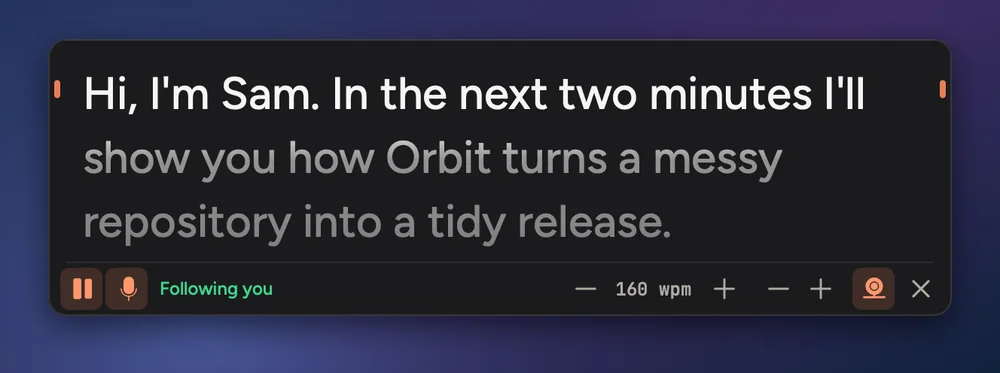
Speaker notes sit right under your camera, so your eyes stay near the lens. Turn on Follow my voice and they scroll as you talk.

  • Under the camera
  • Follows your voice
  • Only you see it
Speaker notes
02 · Words

Sound like you rehearsed.

One button finds the ums, false starts, lines said twice, coughs and long pauses, and cuts them all at once. Captions come from the same words.

  • Remove fillers
  • Fix restarts
  • Captions and SRT
Clean up speech
Words

So in this lesson we’ll set up your first project. Open the menu and pick New.

03 · Consistent

Every lesson matches.

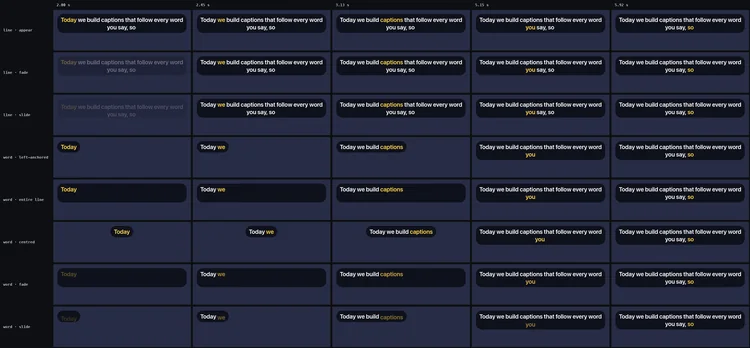
Save your look as a preset and apply it to every lesson at once. Points slides build one line at a time, in your video’s style.

  • Presets
  • Apply to many lessons
  • Slides
Presets
And the rest

Everything else you’ll use.

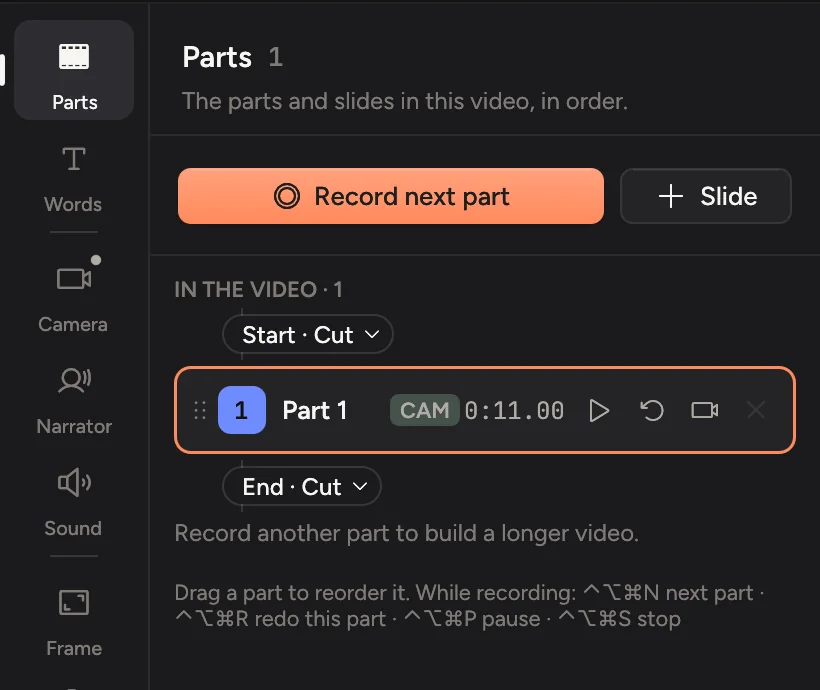
Record in partsOne part per section. Redo any part and keep your edits.
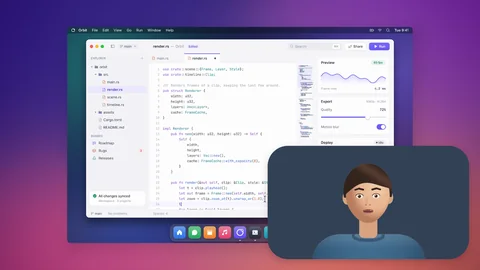
Side by sideYour lesson on one side, you on the other.
Background blurBlur or replace the room behind you.
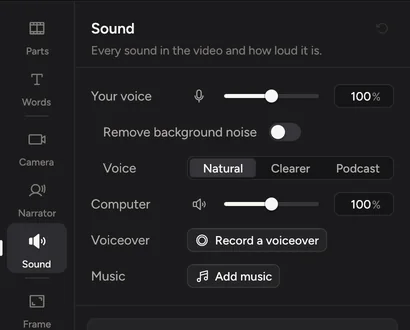
Clean soundBackground noise removed, your voice levelled.
CaptionsBurned in, or as an .srt file for your course platform.
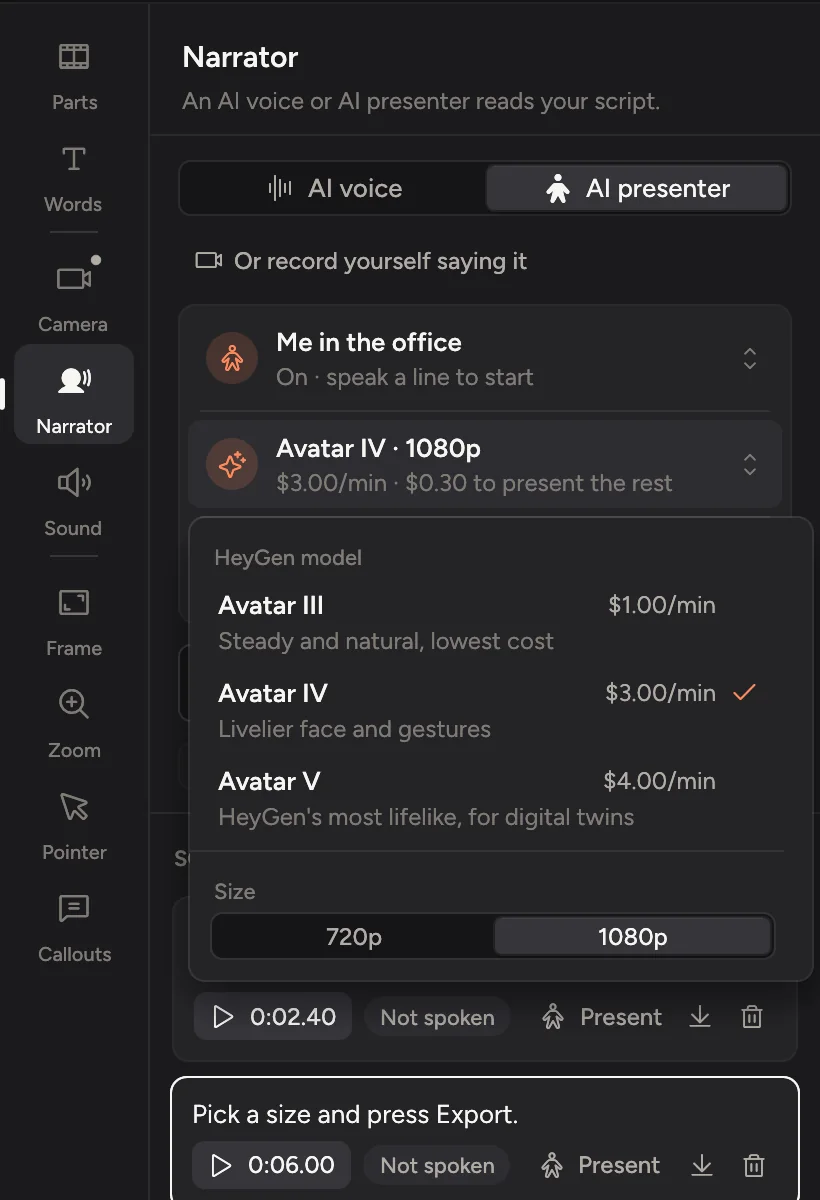
AI voice and presenter OptionalFix a line by typing it, or let an AI presenter teach a lesson. Uses your own account.
Private

Your lessons stay on your Mac until you upload them.

Cinemac records, edits and exports on your computer. Something only leaves your Mac when you send it. We couldn’t watch your bloopers if we wanted to.

  1. Screen, camera and microphoneOn your Mac
  2. Transcripts and captionsOn your Mac
  3. Face framing and background blurOn your Mac
  4. AI voice and presenter, if you use themYour own account
Pricing

Try it free. Then $20 a month, or $129 a year.

Every update included. Cancel anytime.

Questions

Quick answers.

Can I read from a script?

Yes. Paste your script into speaker notes. They sit under your camera where only you can see them, and with Follow my voice they keep your place as you talk.

Does it work with Teachable, Kajabi or Skool?

Cinemac exports standard MP4 files and .srt captions, which you upload to your course platform like any other video.

Can every lesson look the same?

Yes. Save a look as a preset, make it the default for new recordings, or apply it to several lessons at once.

Which languages does it work in?

Transcripts and captions are made on your Mac in any language Apple’s speech recognition or Whisper supports. Clean up speech finds filler words in English, German, French, Spanish, Portuguese, Italian, Polish and Dutch.

What if something goes wrong in a long lesson?

Cinemac saves the recording every second as it goes, so a crash loses about a second at most. Record in parts and you only redo the part that went wrong.

Is there a free trial?

Yes. Download Cinemac, sign in with your email and record and edit your own video for free. To save projects and export videos, subscribe: $20 a month, or $129 a year. See pricing.
Demos that edit themselves.

One subscription for Mac and PC. Record and edit free. Subscribe when you’re ready to save and export.

macOS 15 or later · Windows 10 and 11