Cinemac for sales and success

Send a demo instead of booking another call.

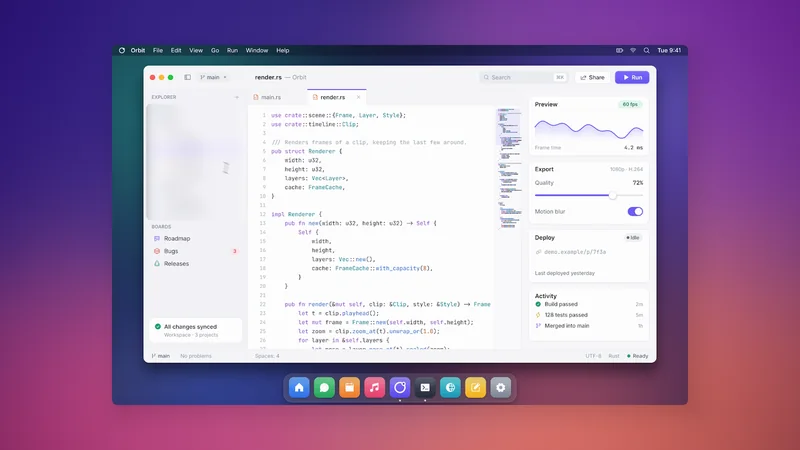
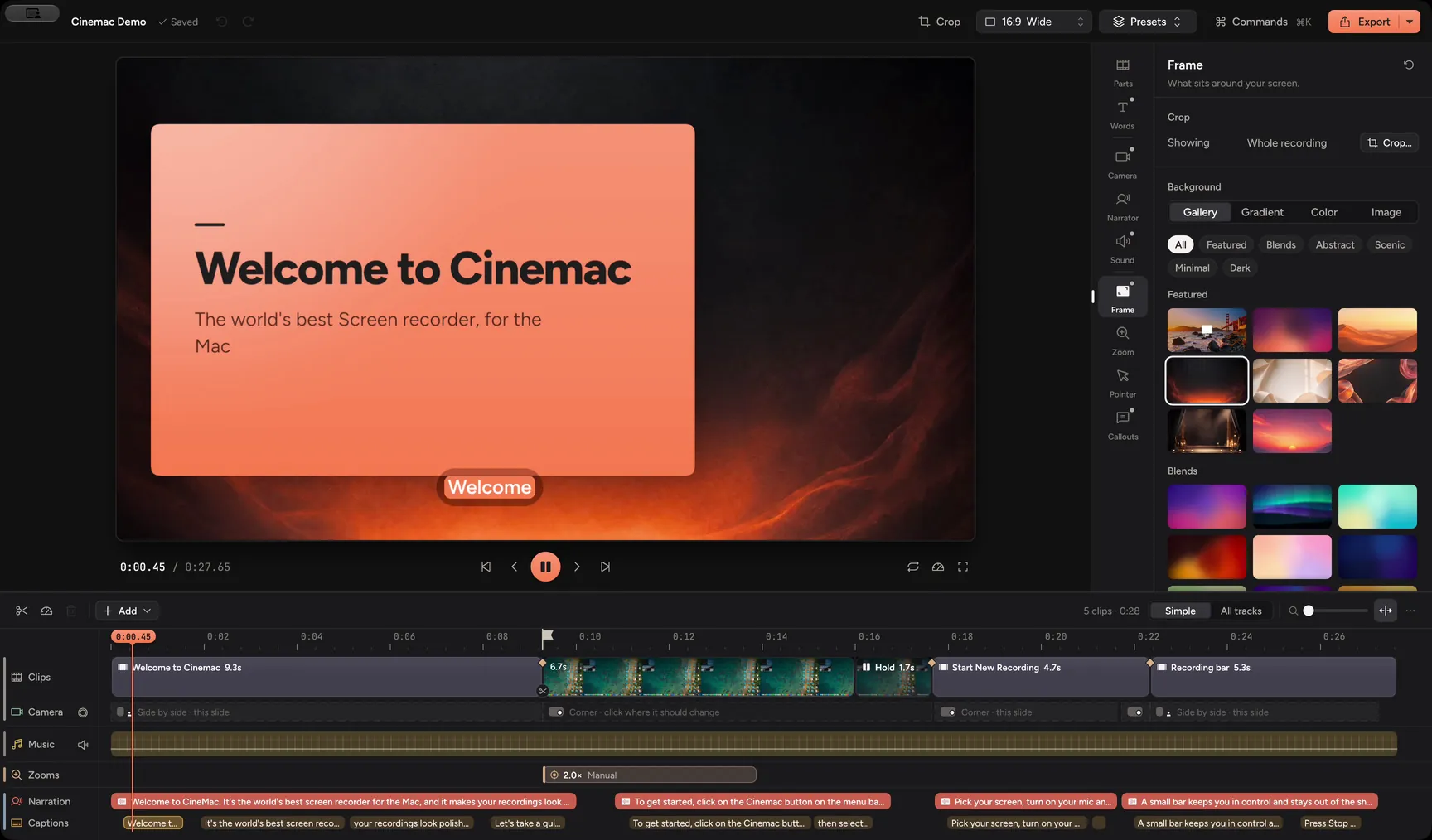
Record a walkthrough with you on camera. Cinemac zooms in where you click and cleans up your sound, so it looks finished when you press stop. Copy it straight into Mail or Slack.

macOS 15 or laterApple siliconFree trial
What you’ll make
  • Prospect demos
  • Follow-ups
  • Onboarding
  • Renewal check-ins
What it does

A personal demo in the time it takes to record it.

Three things that make a quick walkthrough look like you prepared all week.

01 · Fast

Finished when you press stop.

Zooms, framing and clean sound are done when you stop. A small window offers Save, Copy or Edit, so the video can be in Slack or Mail seconds later.

  • Save MP4
  • Copy to clipboard
  • No editing needed
Quick export
02 · Personal

Personal, not generic.

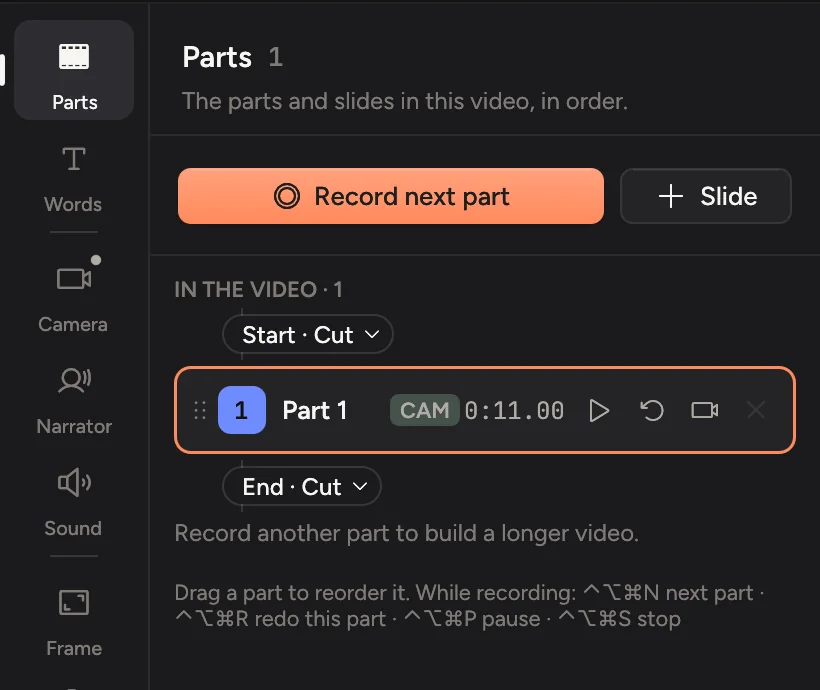
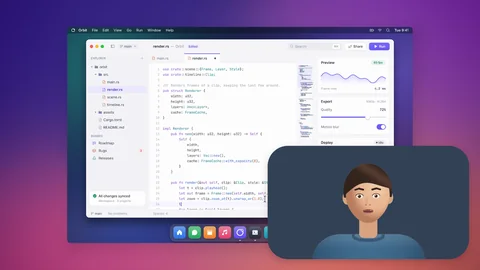
You’re in the corner, so the buyer sees who they’re talking to. Record your intro as its own part and redo just that part for the next prospect.

  • Camera bubble
  • Record in parts
  • Redo one part
Record in parts
03 · Private

Other customers stay private.

Blur, pixelate or black out anything private. Masks move with the screen when it zooms, and they fade in early so nothing shows for a frame. Your recordings stay on your Mac.

  • Blur, pixelate, redact
  • Follows zooms
  • Stays on your Mac
Hide private details
And the rest

Everything else you’ll use.

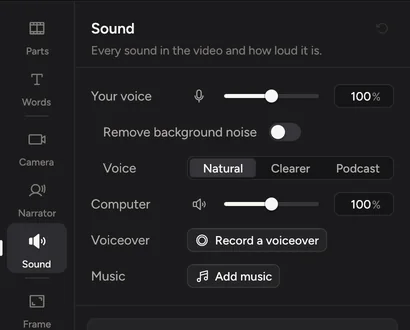
Clean soundOffice noise removed, your voice levelled.
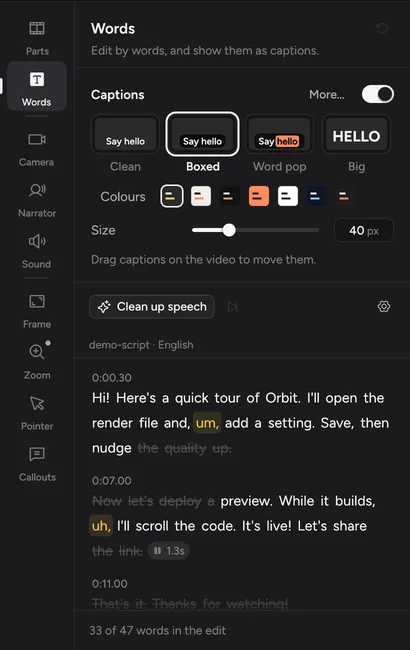
Clean up speechOne button cuts ums, restarts and long pauses.
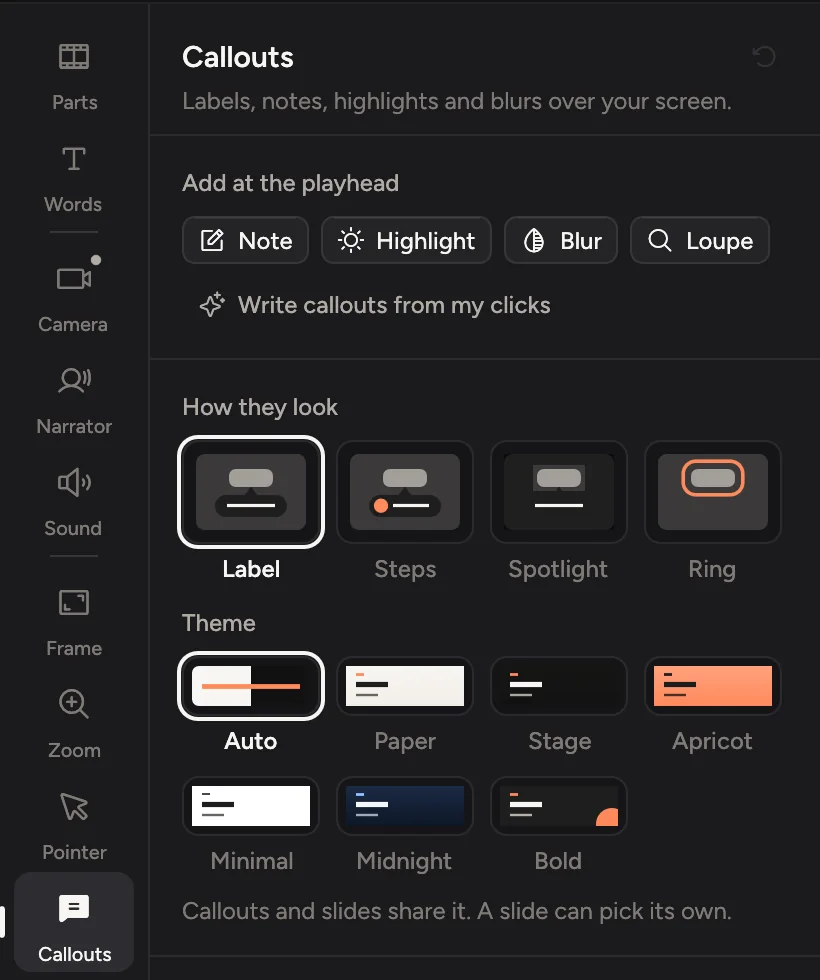
CalloutsPoint at the one number that matters.
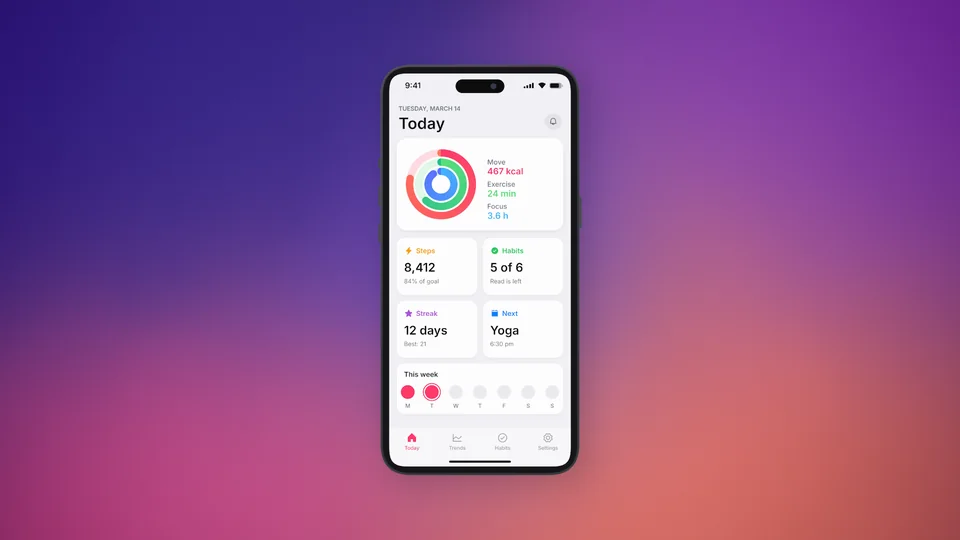
iPhone and iPadDemo your mobile app over a cable.
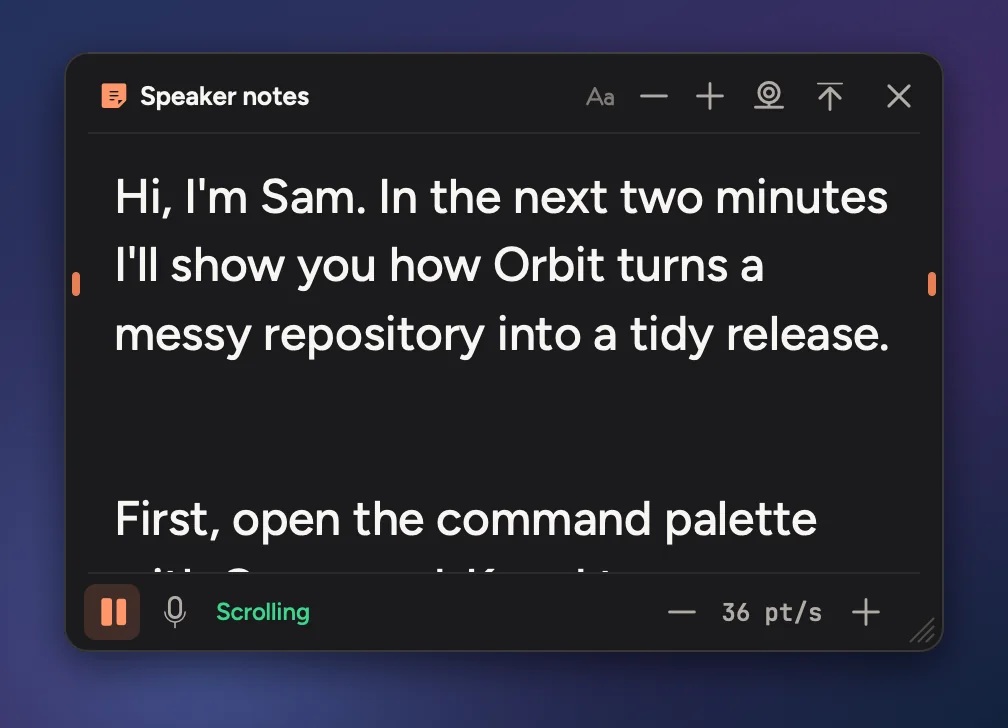
Speaker notesYour talk track under the camera, where only you see it.
Background blurBlur the room behind you.
Private

Your prospects’ and customers’ screens stay on your Mac.

Cinemac records, edits and exports on your computer. Something only leaves your Mac when you send it. We couldn’t watch your bloopers if we wanted to.

  1. Screen, camera and microphoneOn your Mac
  2. Transcripts and captionsOn your Mac
  3. Face framing and background blurOn your Mac
  4. AI voice and presenter, if you use themYour own account
Pricing

Try it free. Then $20 a month, or $129 a year.

Every update included. Cancel anytime.

Questions

Quick answers.

How do I send it?

Copy the finished video and paste it into Mail or Slack, or export an MP4 and attach it. Cinemac doesn’t host your videos.

Can I see who watched it?

Not yet. Cinemac makes the video, and you send it with the tools you already use.

Can I reuse one demo for many prospects?

Yes. Record the intro as its own part. For the next prospect, redo just that part and keep the rest of the demo as it is.

What about my other customers’ data?

Blur, pixelate or black out anything private. Masks move with the screen when it zooms, and they fade in early so nothing shows for a frame.

What do I need?

A Mac with Apple silicon running macOS 15 Sequoia or later. Any webcam works, including your Mac’s built-in camera.

Is there a free trial?

Yes. Download Cinemac, sign in with your email and record and edit your own video for free. To save projects and export videos, subscribe: $20 a month, or $129 a year. See pricing.
Demos that edit themselves.

One subscription for Mac and PC. Record and edit free. Subscribe when you’re ready to save and export.

macOS 15 or later · Windows 10 and 11