Small text, big enough.
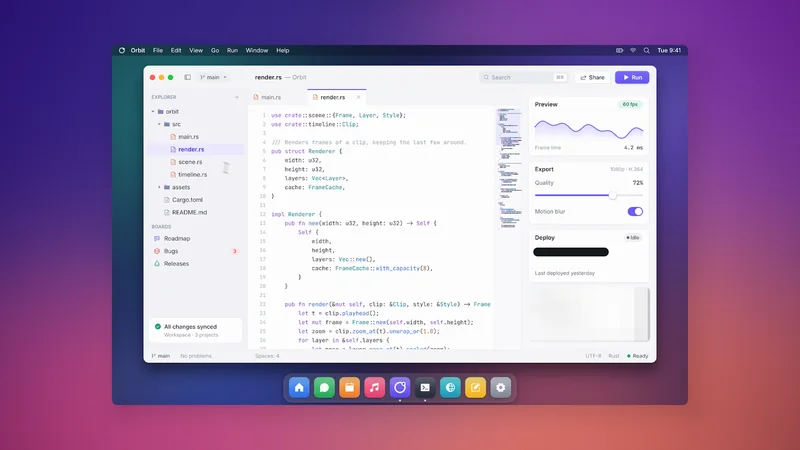
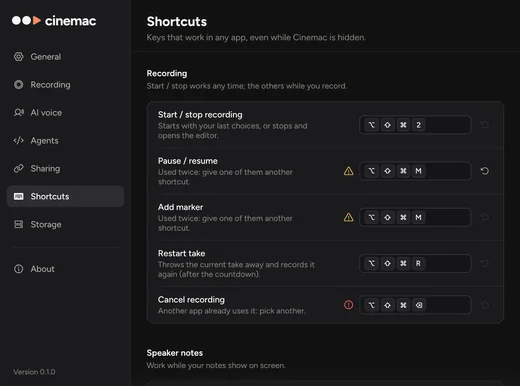
Cinemac zooms in on the line you click, so small code reads on a phone. The shortcuts you press show on screen as keycaps.
- Zooms on every click
- Keys on screen
- Sharpened when zoomed
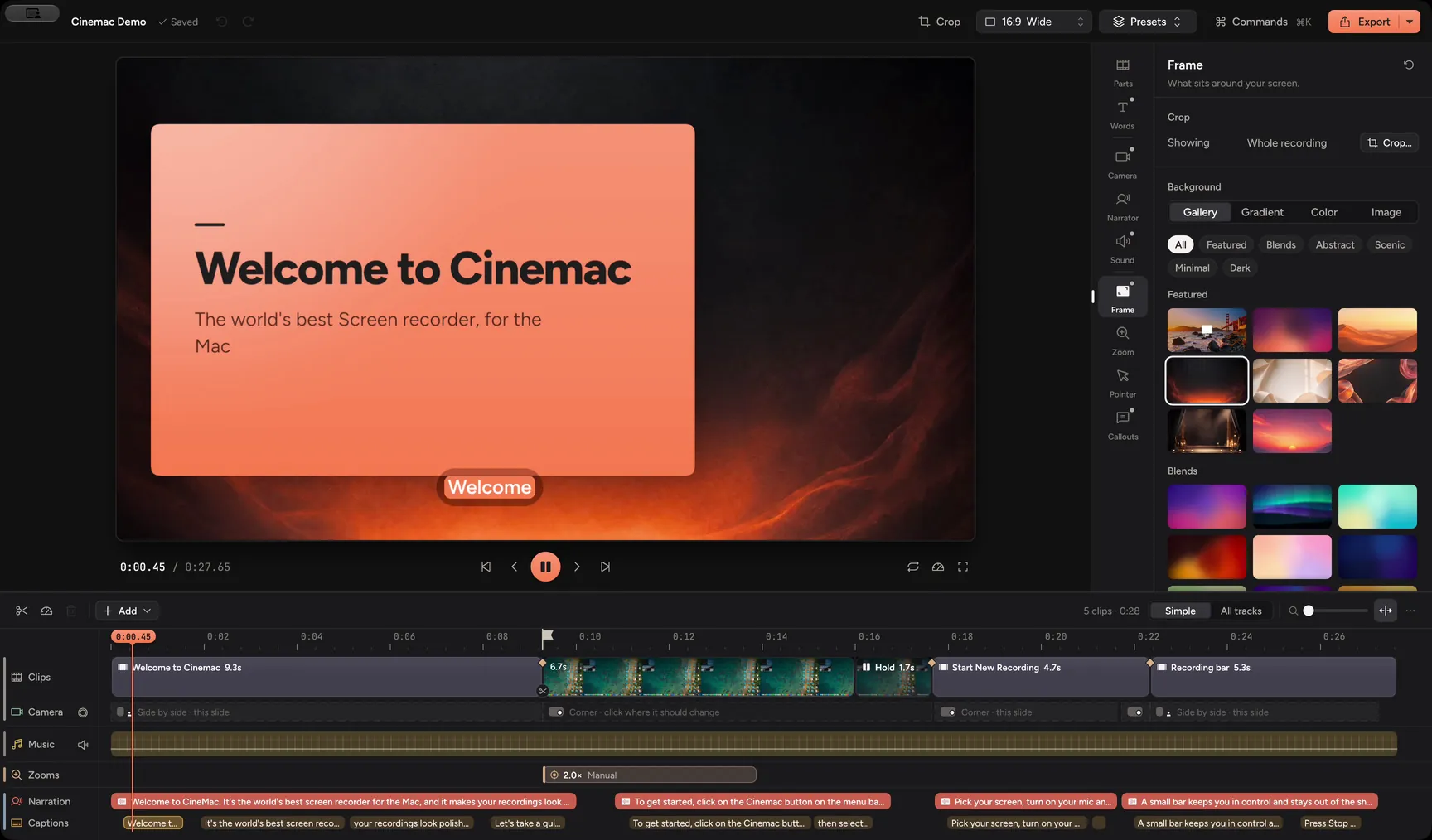
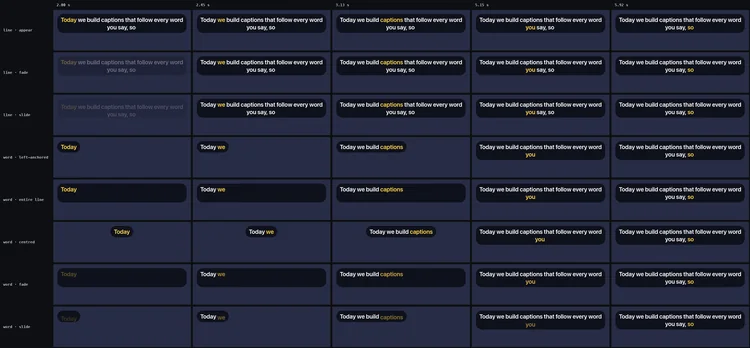
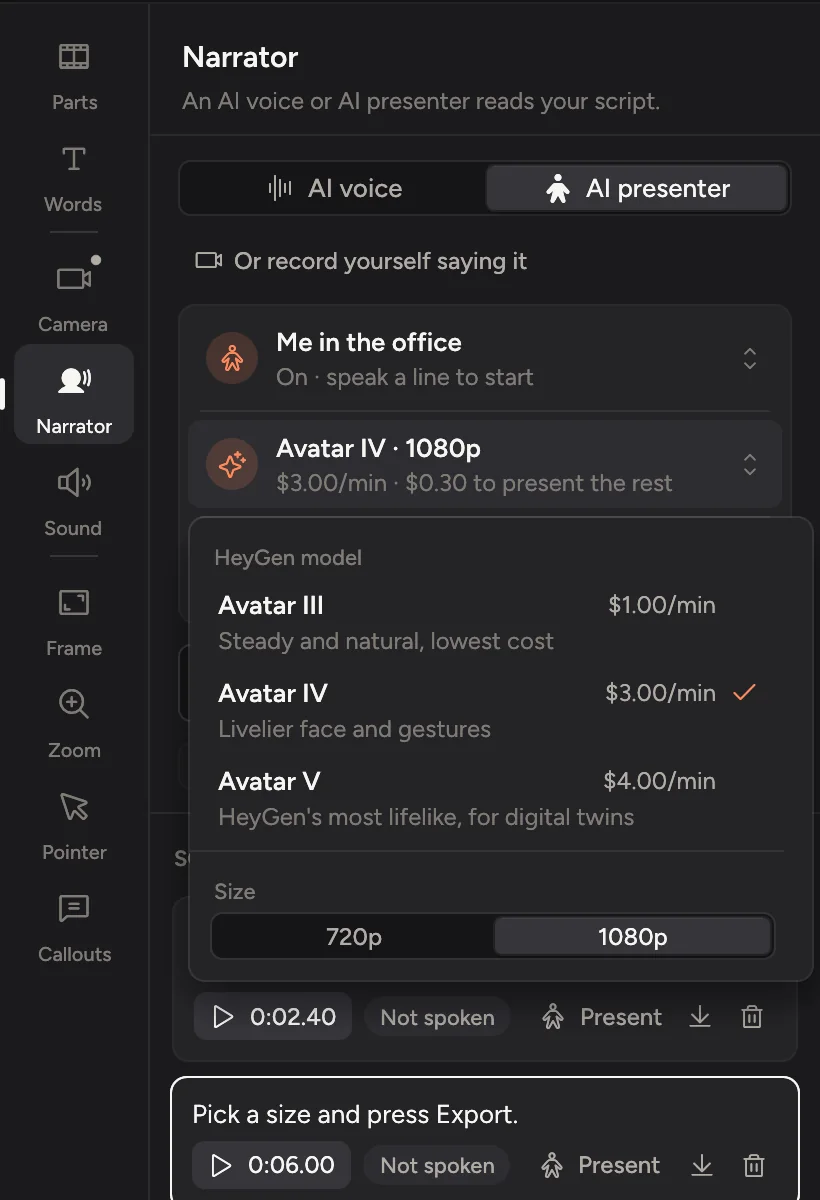
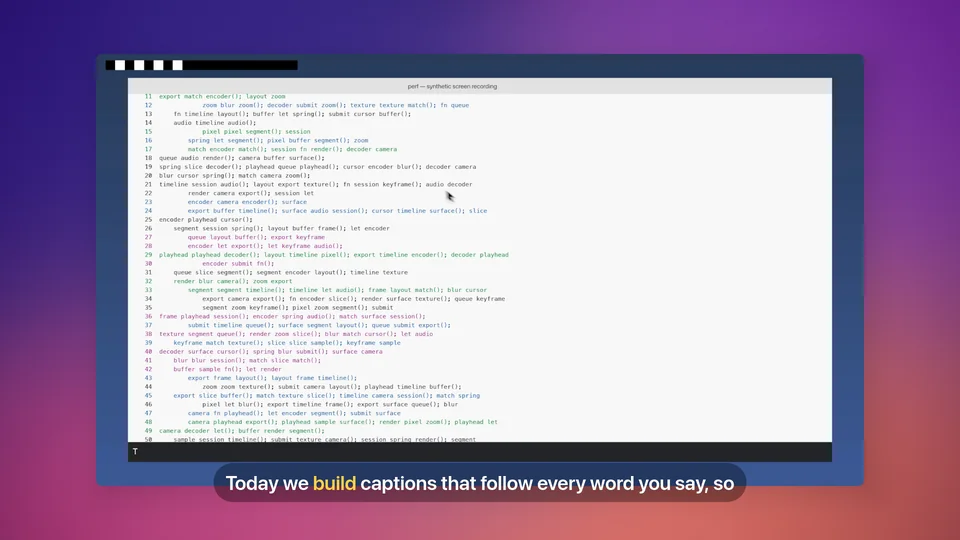
Cinemac zooms in on the line you click, shows the shortcuts you press and captions every word. Explain it on camera, or type a script and an AI presenter says it. Then export an MP4 or a README GIF.
Three things that make a coding video easy to follow.
Cinemac zooms in on the line you click, so small code reads on a phone. The shortcuts you press show on screen as keycaps.
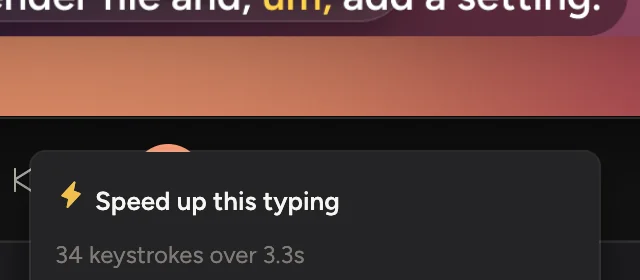
Cinemac finds long runs of typing and offers to speed them up. Delete a word in the transcript and the video is cut there too.
Blur, pixelate or black out anything private. Masks move with the screen when it zooms, and they fade in early so nothing shows for a frame. Recording, transcripts and export all run on your Mac.
Connect Claude Code, Codex, Cursor or Claude Desktop in Settings › Agents, then ask for a demo of what you just built. In part one, Claude connects. In part two, it makes a whole demo from one prompt. How agents work
One prompt, and Claude records the app, edits it, writes the voice-over, checks its own frames and exports.


Cinemac records, edits and exports on your computer. Something only leaves your Mac when you send it. We couldn’t watch your bloopers if we wanted to.
Every update included. Cancel anytime.
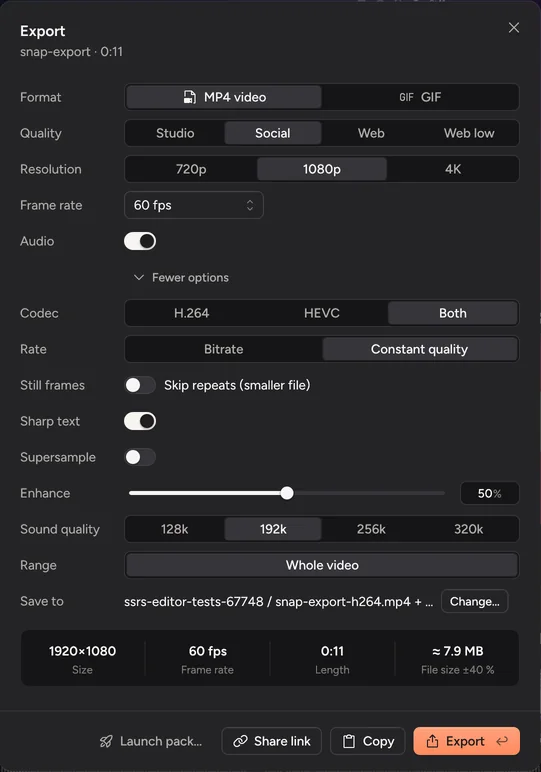
Yes. A zoom on each click makes small text big, and Improve recording quality sharpens the picture wherever it’s shown bigger than it was recorded. Export goes up to 4K at 60 fps.
Blur, pixelate or black out anything private. Masks move with the screen when it zooms, and they fade in early so nothing shows for a frame.
Yes. Pick GIF in the export sheet and set the size and frame rate, or let the launch pack make one. Cinemac shows the file size before you export.
Yes. cinemac:// links start and stop recordings, drop markers and export. A link that would start a recording asks you first.
No. Capture, transcription, face framing, noise removal and export run on your Mac. Only the account check goes online, plus the script you give AI voice or the AI presenter, if you choose to use them.
A Mac with Apple silicon running macOS 15 Sequoia or later. Any webcam works, including your Mac’s built-in camera.
One subscription for Mac and PC. Record and edit free. Subscribe when you’re ready to save and export.