Cinemac for product teams

Product demos that edit themselves.

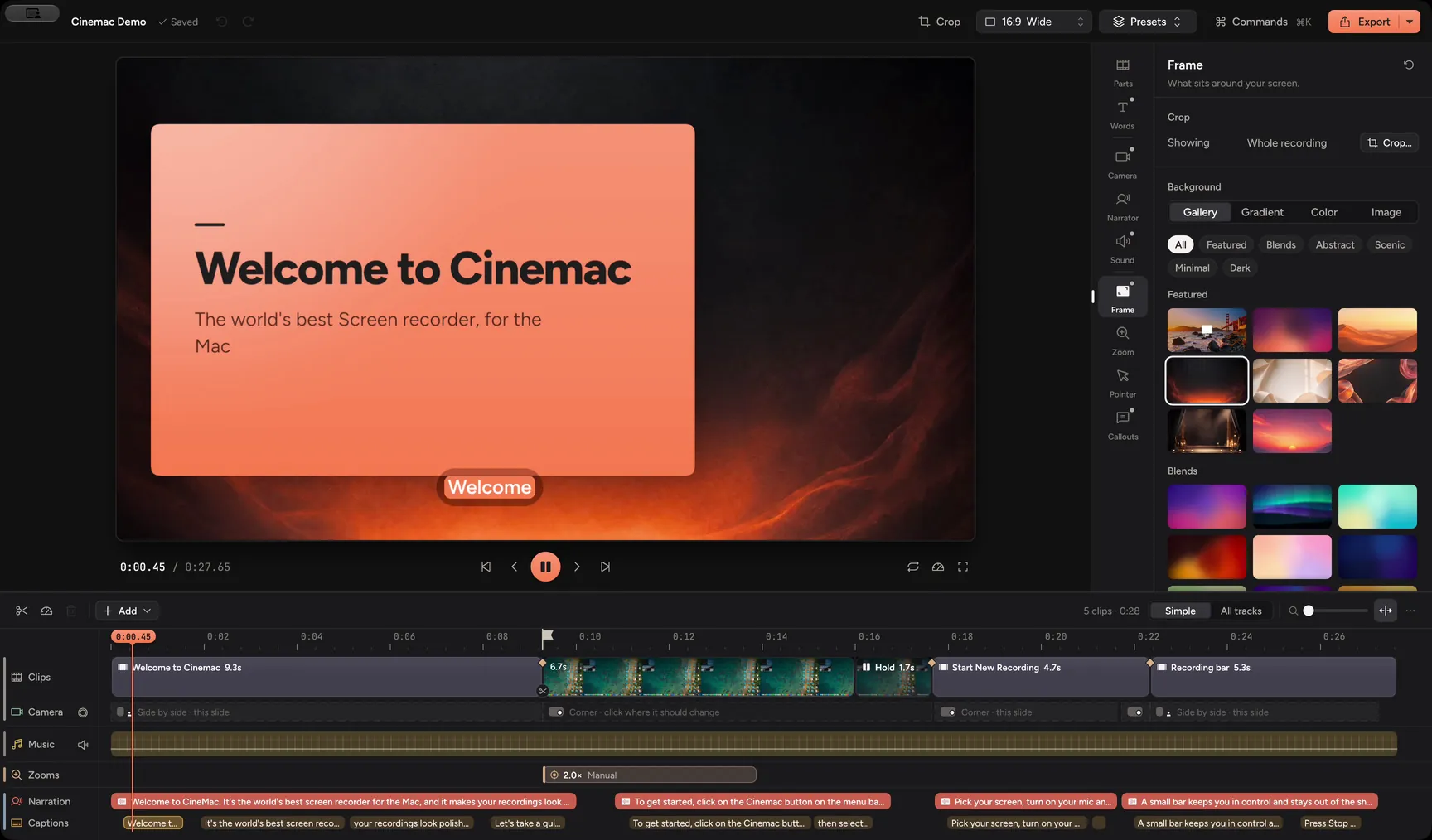
Record your product and yourself on your Mac. Cinemac zooms in where you click, keeps you framed and cleans up your sound. One export gives you the launch video, a short cut and a vertical clip.

macOS 15 or laterApple siliconFree trial
What you’ll make
  • Launch videos
  • Product Hunt clips
  • Changelog clips
  • Landing-page demos
What it does

Your launch video, without a video editor.

Three things that make a demo look like you hired someone to make it.

01 · Zooms

Every click, in close-up.

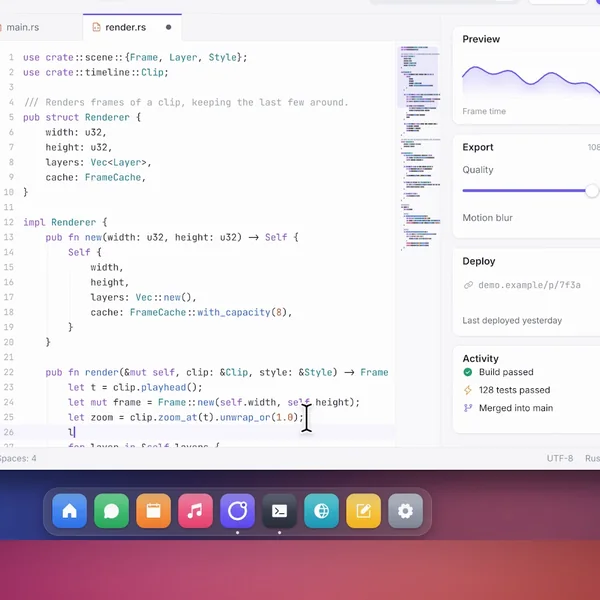
Cinemac glides in on each click, so people see the button you pressed and what it did. The cursor moves smoothly instead of jumping around.

  • Zooms on every click
  • Smooth cursor
  • Change any zoom
How zooms work
02 · Camera

Introduce it yourself.

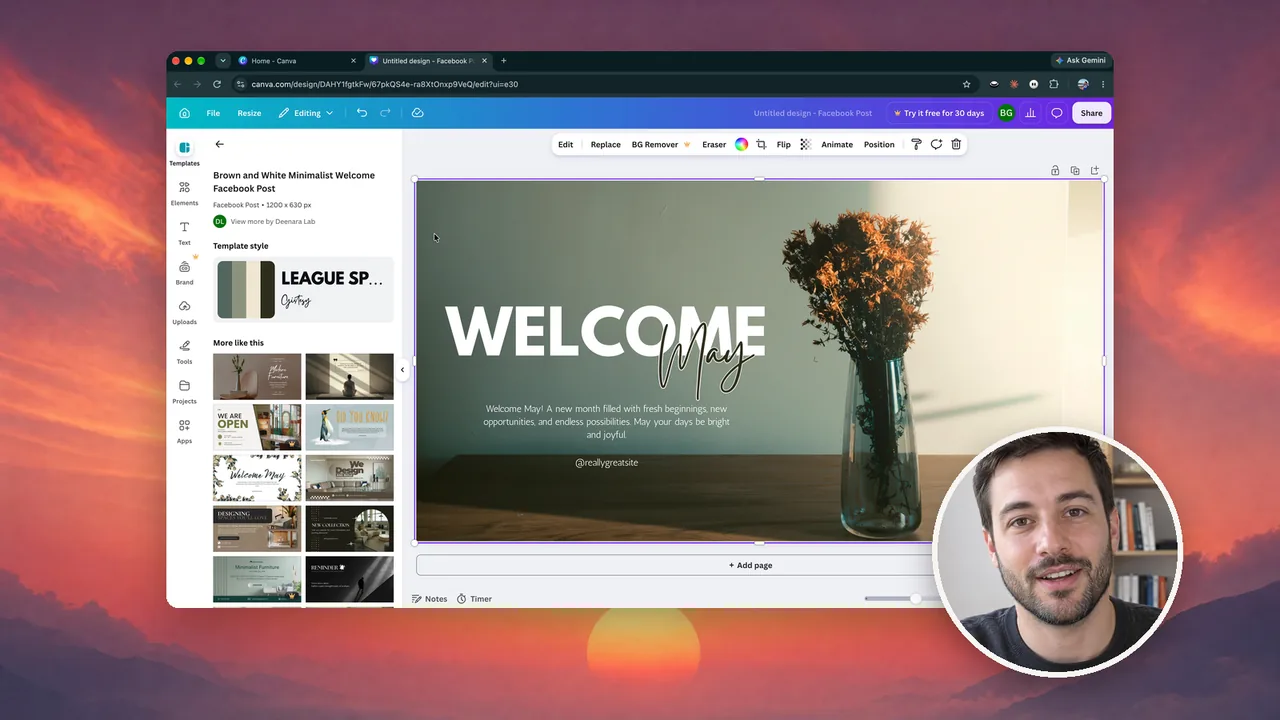
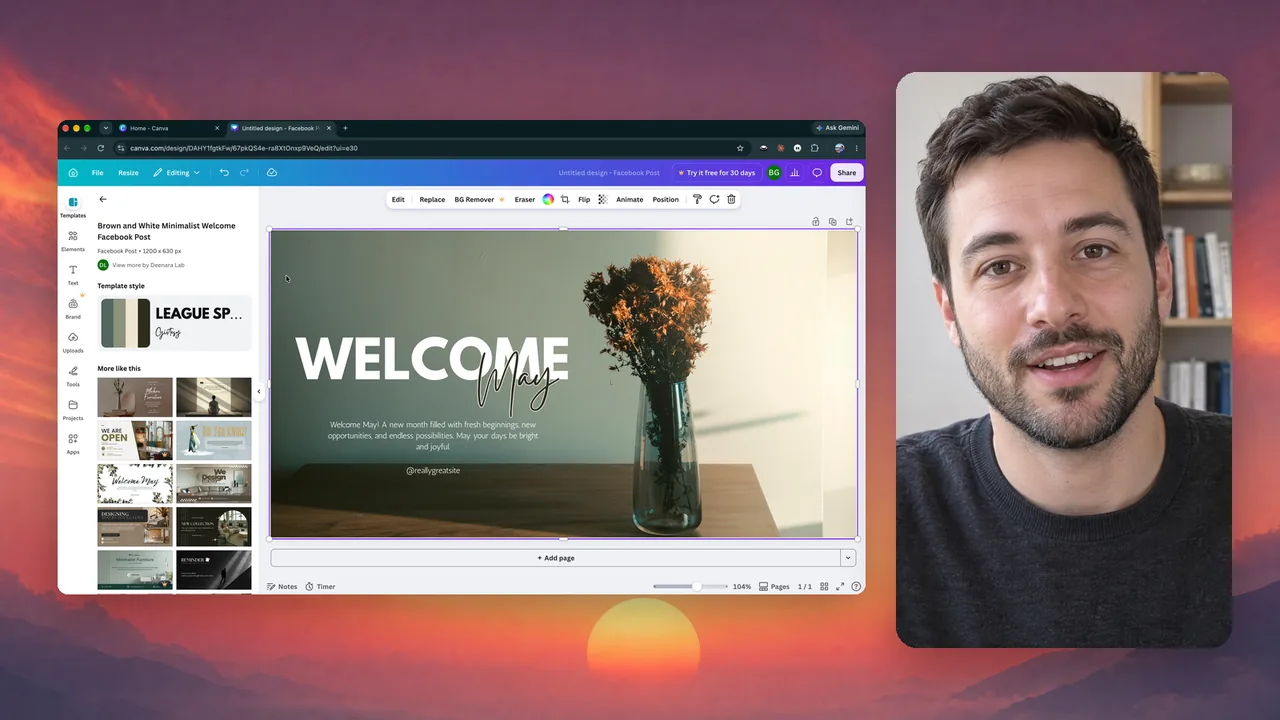
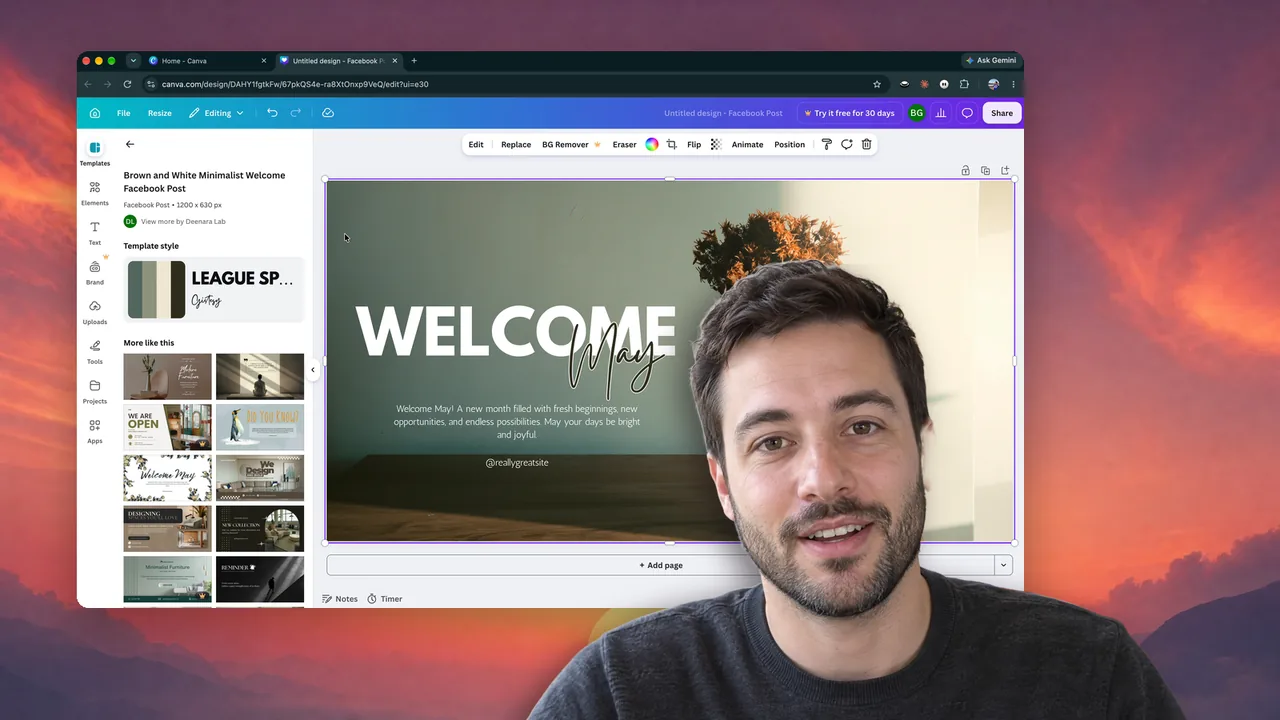
Open full screen, then shrink to a bubble while you show the product. Your camera is recorded on its own, so you can change the layout after you record.

  • Full screen to bubble
  • Follow face
  • Blur your room
Camera layouts
03 · Launch pack

One take. Every size the launch needs.

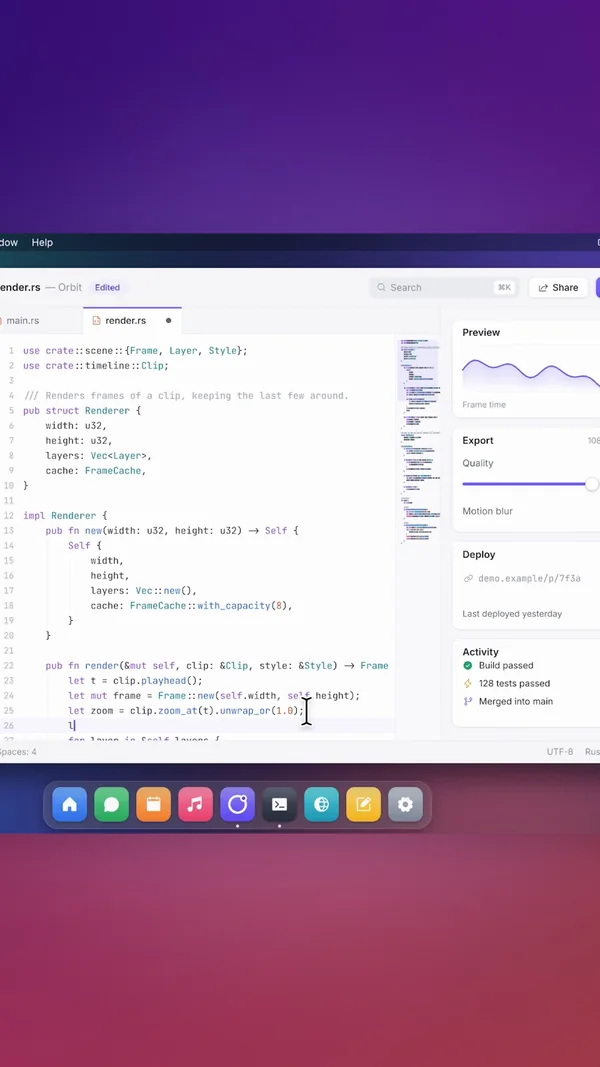
One export makes the full demo, a cut under a minute, a captioned vertical clip, a GIF, a thumbnail and chapters. Title and end slides come in your video’s style.

  • Launch pack
  • 16:9, square, vertical
  • Title and end slides
The launch pack
And the rest

Everything else you’ll use.

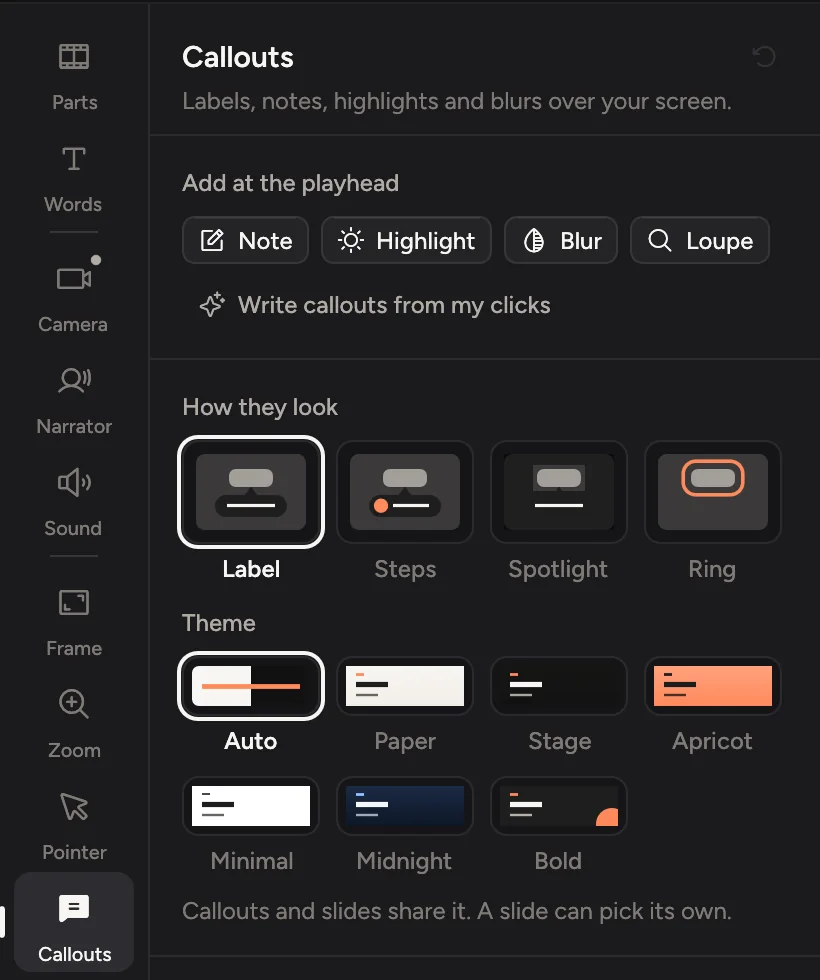
Callouts for your clicksOne click writes a label for every click, like “Click Publish”.
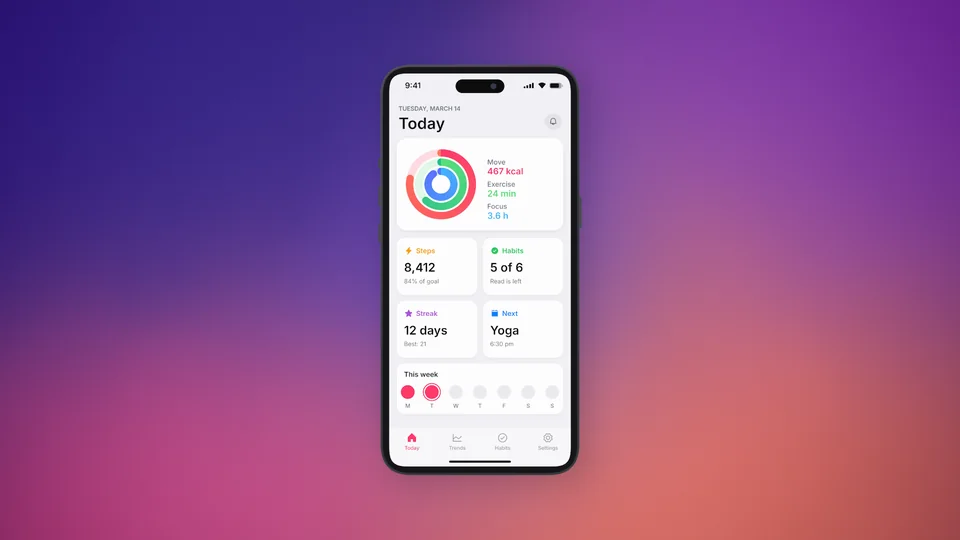
iPhone and iPad appsRecord over a cable. It lands in a matching device frame.
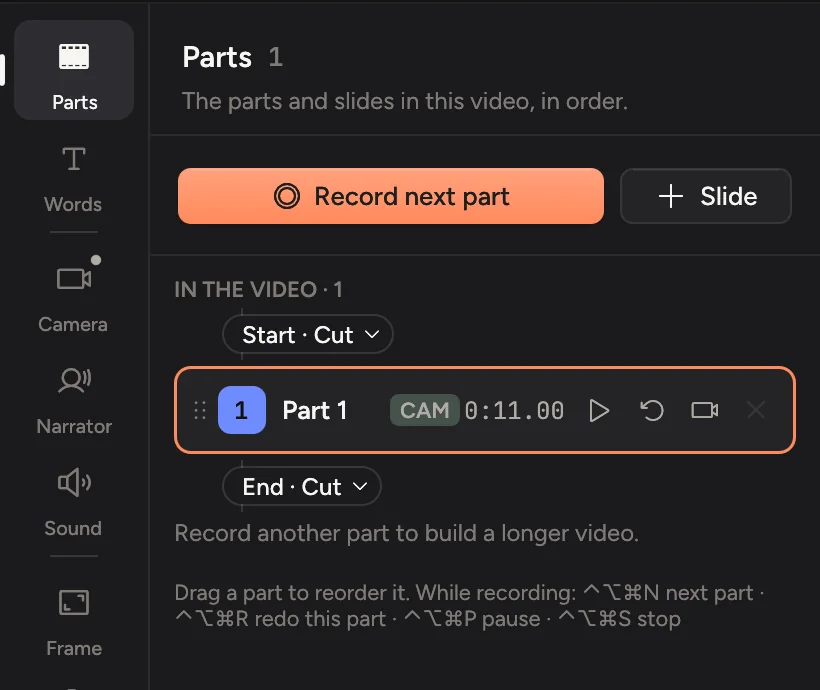
Record in partsFluffed one step? Redo that part and keep the rest.
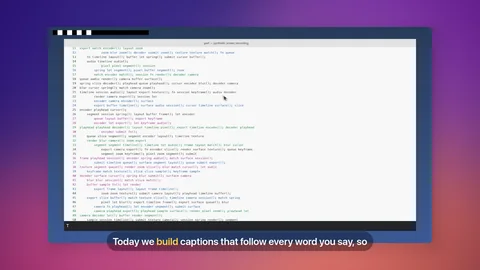
CaptionsMade on your Mac from what you said, in four looks.
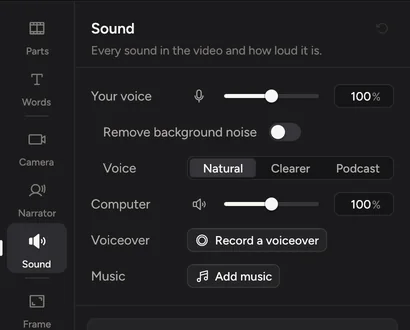
Music and clean soundNoise removed, and a music library that dips under your voice.
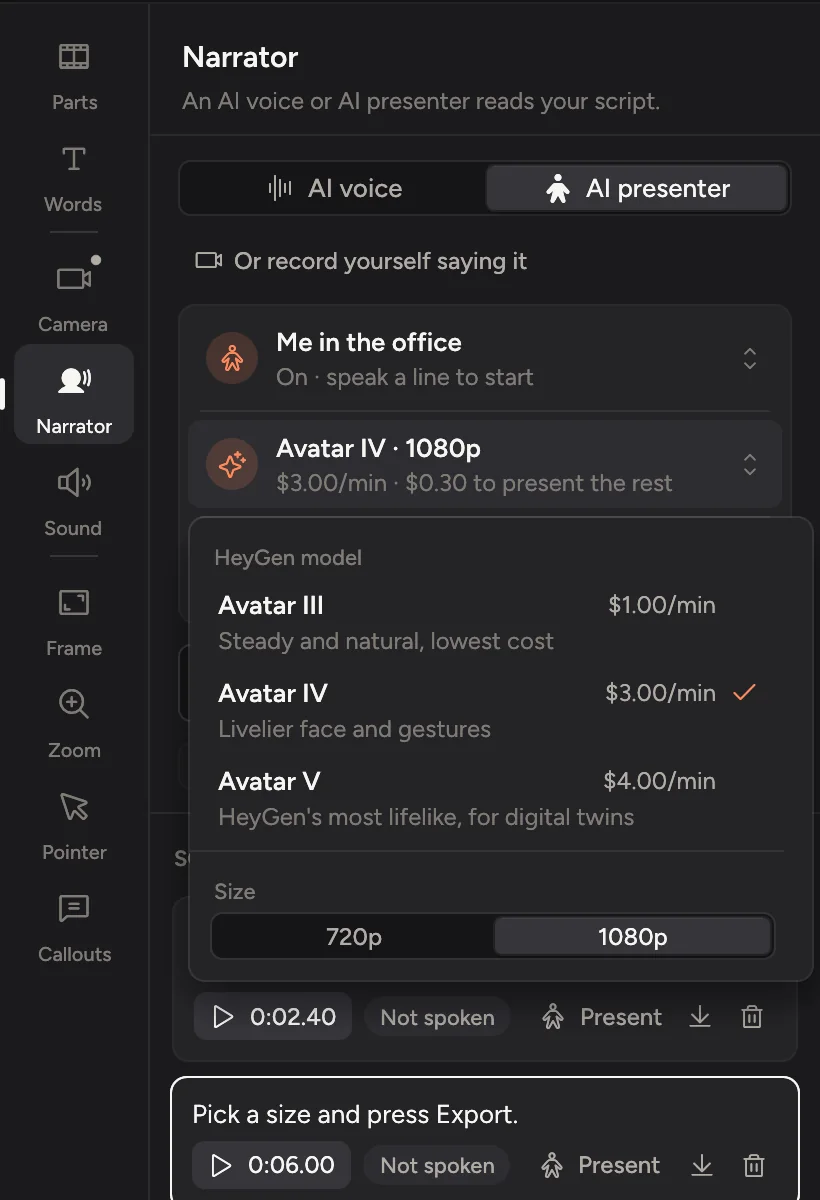
AI voice and presenter OptionalType a line and an AI voice or presenter says it. Uses your own account.
Private

Your unreleased product stays on your Mac.

Cinemac records, edits and exports on your computer. Something only leaves your Mac when you send it. We couldn’t watch your bloopers if we wanted to.

  1. Screen, camera and microphoneOn your Mac
  2. Transcripts and captionsOn your Mac
  3. Face framing and background blurOn your Mac
  4. AI voice and presenter, if you use themYour own account
Pricing

Try it free. Then $20 a month, or $129 a year.

Every update included. Cancel anytime.

Questions

Quick answers.

Can I make a vertical version for social?

Yes. The launch pack makes a captioned 9:16 clip under 30 seconds next to the full 16:9 demo, a cut under a minute, a GIF and a thumbnail. You can also switch any video to square or vertical from the top bar.

Can I record an iPhone or iPad app?

Yes. Plug it in with a cable, unlock it and tap Trust. Cinemac records its screen and sound and shows it upright in a matching device frame.

Can I hide my camera for part of the video?

Yes. Change the camera from any point on: full screen, corner, side by side, cutout or hidden. Each change animates smoothly.

I fluffed one step. Do I start again?

No. Record your demo in parts and redo only the part you want. Your edits on the other parts stay.

What do I need?

A Mac with Apple silicon running macOS 15 Sequoia or later. Any webcam works, including your Mac’s built-in camera.

Is there a free trial?

Yes. Download Cinemac, sign in with your email and record and edit your own video for free. To save projects and export videos, subscribe: $20 a month, or $129 a year. See pricing.

Demos that edit themselves.

One subscription for Mac and PC. Record and edit free. Subscribe when you’re ready to save and export.

macOS 15 or later · Windows 10 and 11