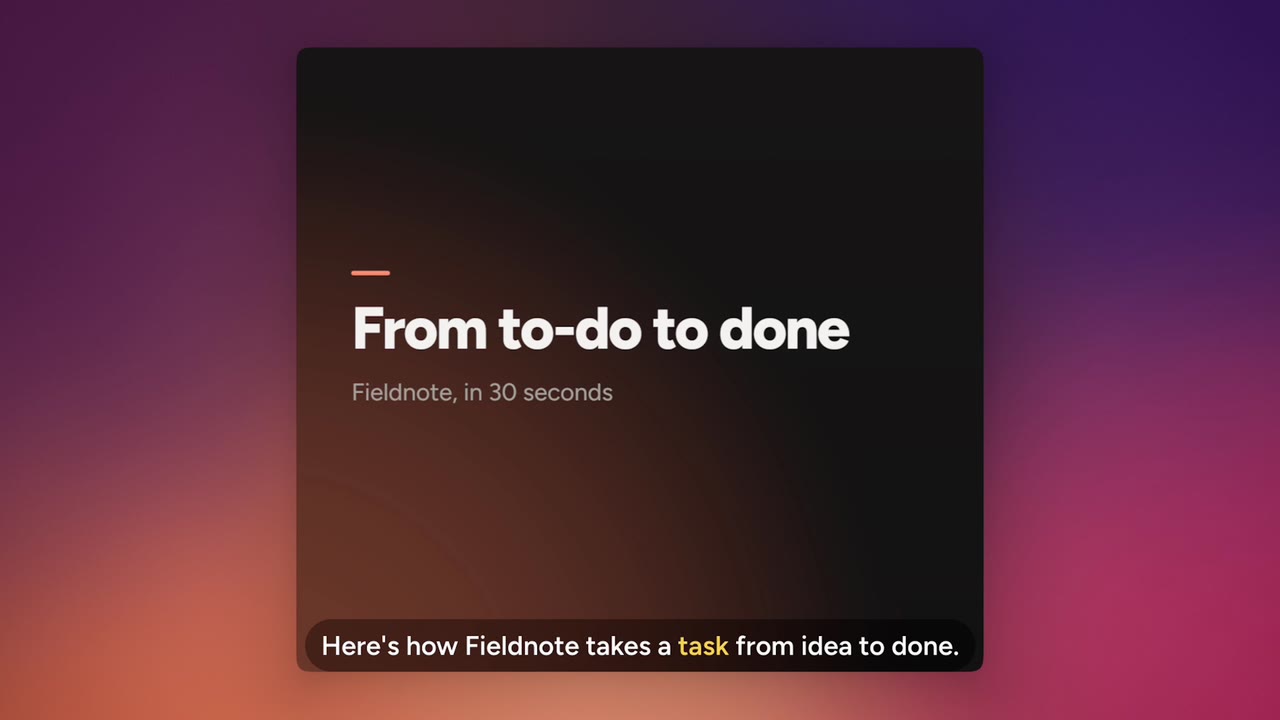
Words0:14.2
Edit by deleting words.
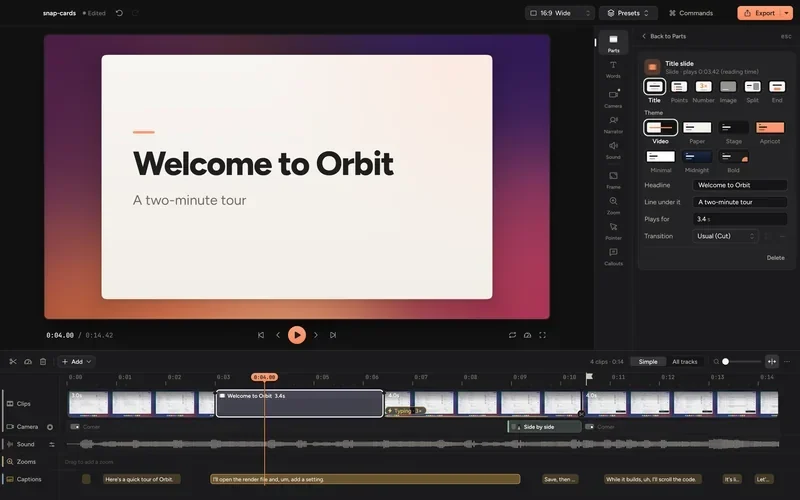
Cinemac writes down what you say, right on your PC. Delete a word and the video is cut there too. The same words become your captions.
Click a word to cut it
Cinemac for Windows Windows 10 + 11
Record your screen and camera on Windows. Cinemac zooms in where you click, keeps you framed and cleans up your sound, so it’s ready when you press stop.
If Windows says it protected your PC, click More info, then Run anyway.
Free to try, no card needed · Windows 10 and 11, 64-bit · No admin password
Here’s our weekly sign-ups report.
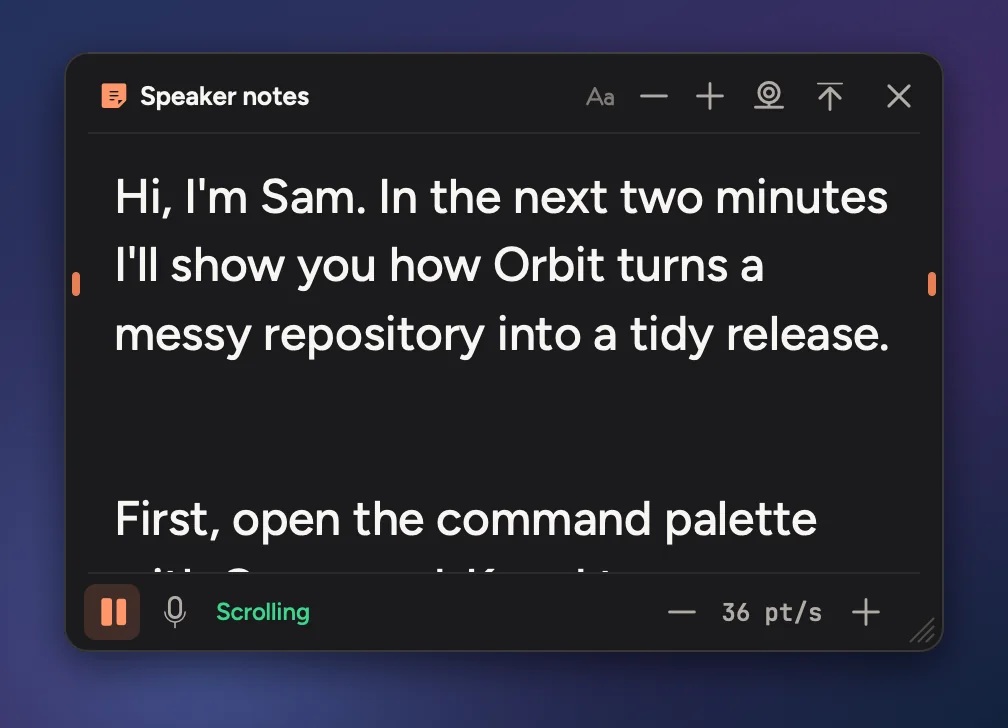
A drawing of Cinemac at work, with Sam, an AI presenter. The films below are the real thing.
Tours, tutorials and a demo Claude made by itself, filmed on a Mac. Cinemac for Windows makes the same zooms, captions and camera layouts.
Cinemac isn’t affiliated with Mixpanel.
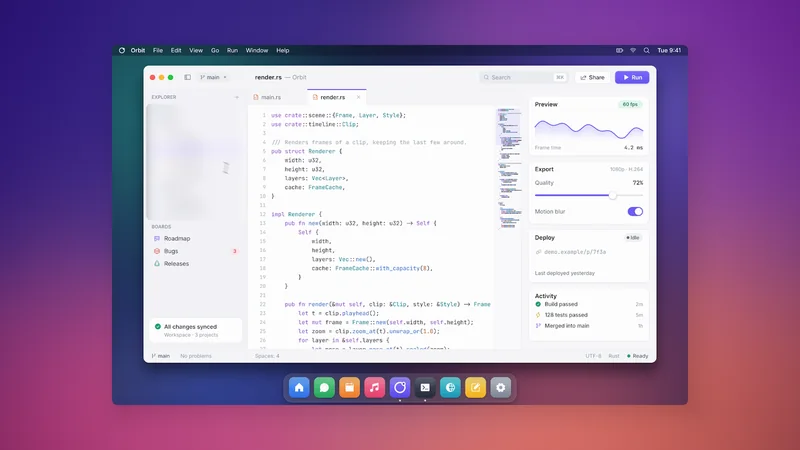
Cinemac follows your clicks and glides in on them, so people always see what you’re doing. The cursor moves smoothly instead of jumping around.
0 zooms · 0 edits by you
People trust a demo more when they can see who’s talking. Any webcam works. Your camera is recorded on its own, so you can change how you look after you record.
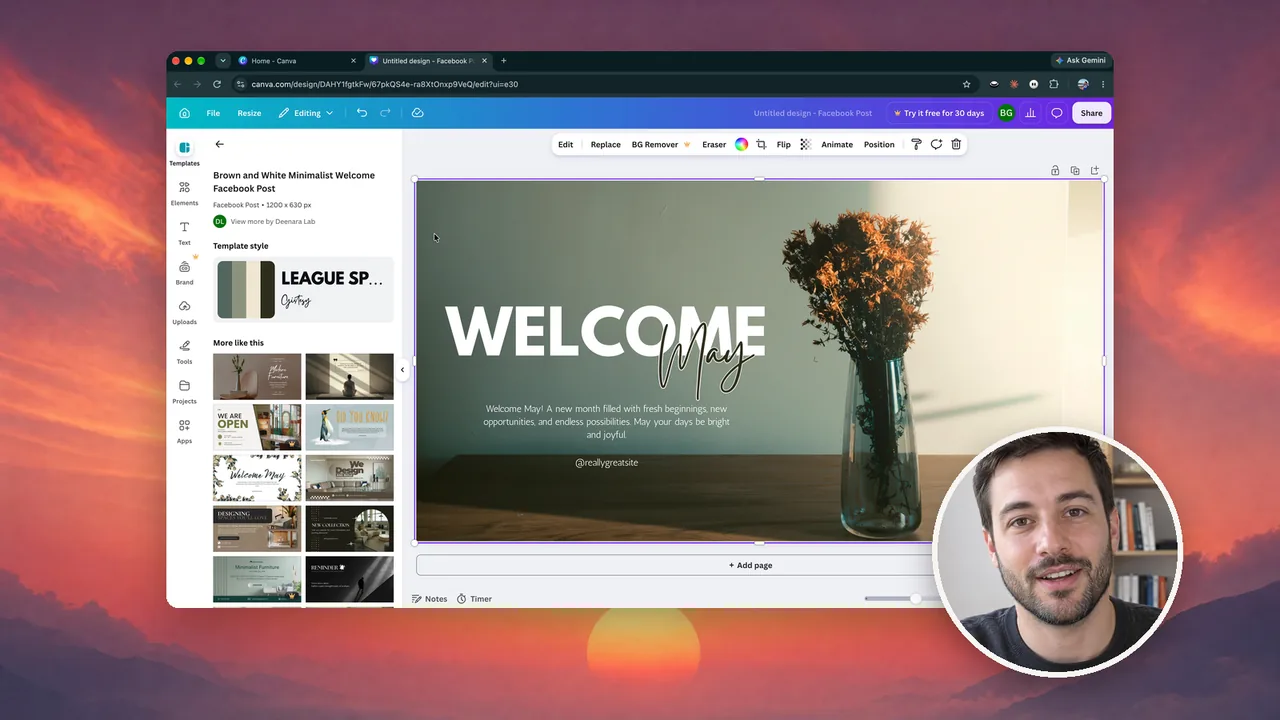
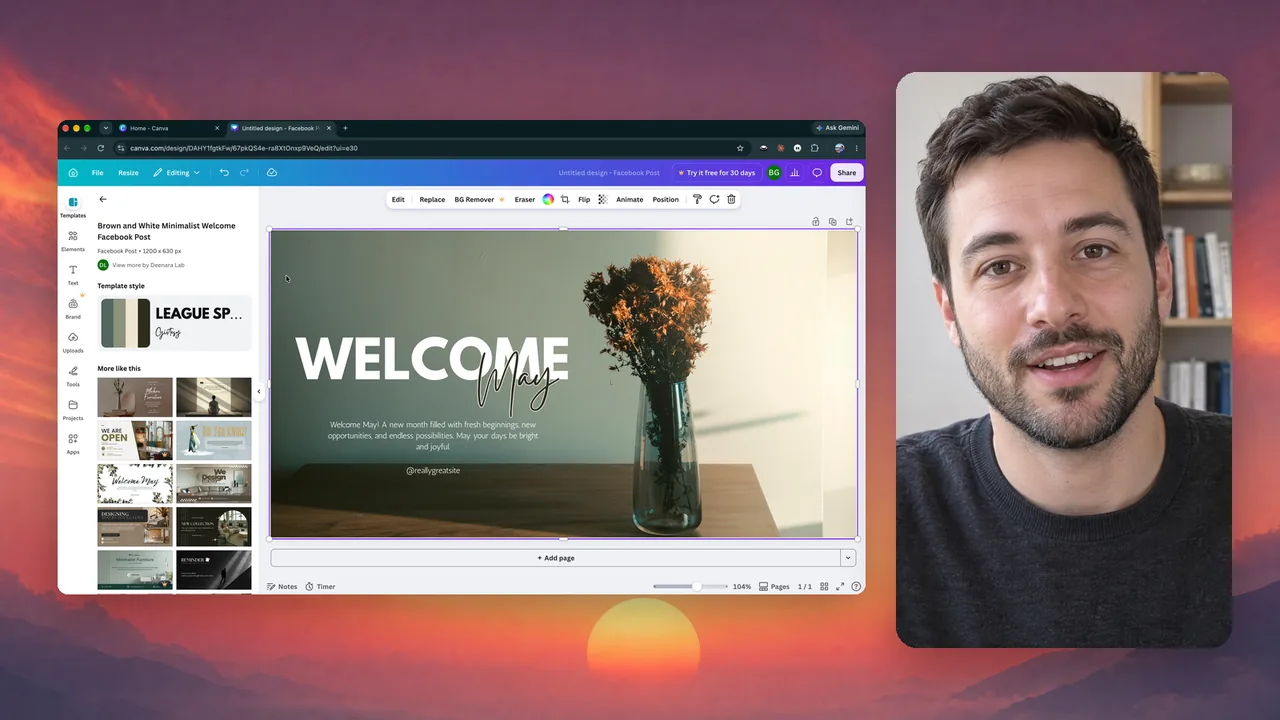

Jobs that usually eat an afternoon in a video editor. Cinemac does them by itself, or in one click.
Cinemac writes down what you say, right on your PC. Delete a word and the video is cut there too. The same words become your captions.
Background noise drops away and your voice comes through clean. Music from the library dips while you talk.
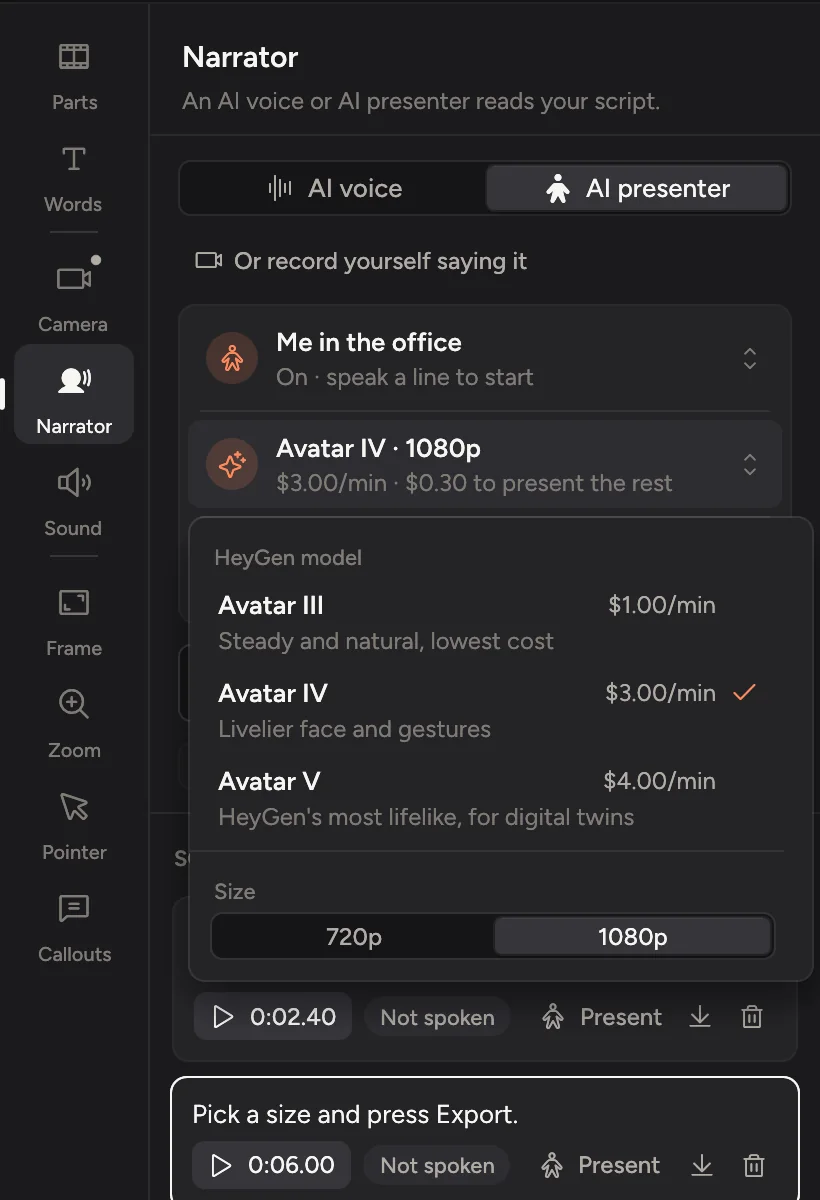
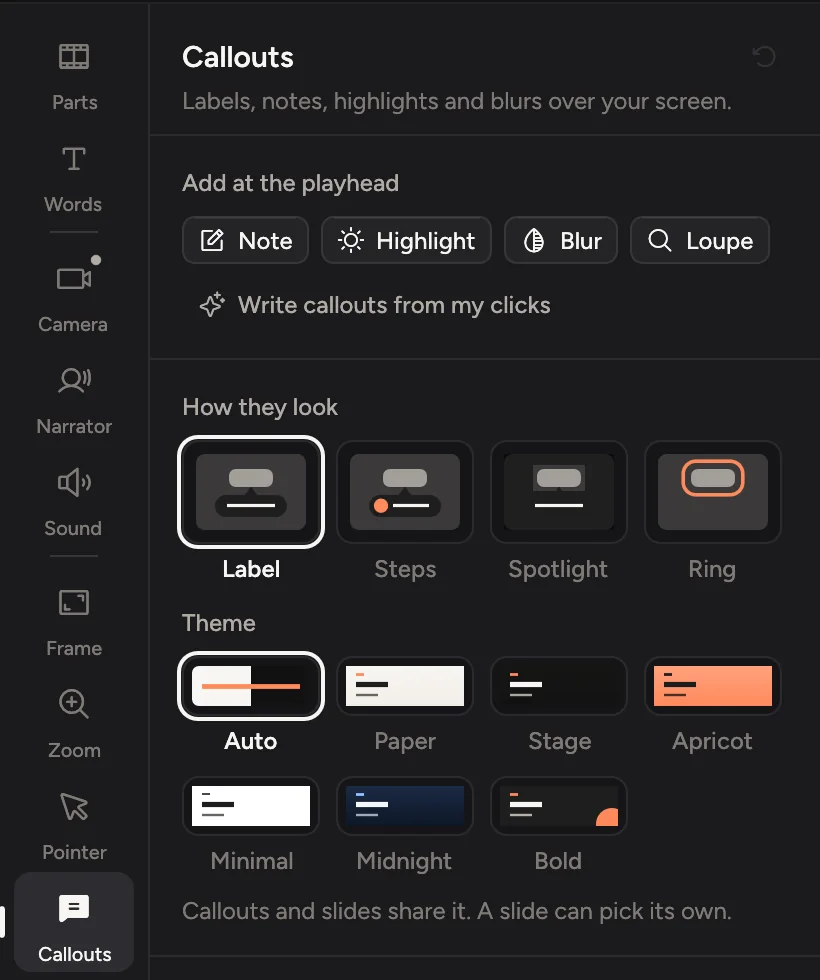
Claude Code, Codex, Cursor and other MCP apps can record, edit, narrate and export with Cinemac. Connect yours in one click from Settings › Agents.
Not a port with the corners showing. Cinemac knows the tray, the taskbar, your graphics card and your headset.

One subscription signs in on any two computers, Mac or PC. Both use the same project format, so copy a project across and carry on.
Cinemac records, edits and exports on your computer. Something only leaves it when you send it. We couldn’t watch your bloopers if we wanted to.
Record and edit your own demo for free. Subscribe when you want to save and export. Every feature and every update, on your Mac and your PC.
$0No card needed
See what Cinemac does with your own screen and camera.
$129$20a year · about $10.75 a montha month
Everything in Cinemac, for one person.
Prices in US dollars. Tax is added at checkout where it applies. Full refund within 14 days of your first payment. Compare plans
Download Cinemac for Windows and run the installer. It installs just for you, so it doesn’t need an admin password. The first time, Windows may say it protected your PC: click More info, then Run anyway. After that, Cinemac updates itself.
A 64-bit PC with Windows 11, or Windows 10 version 1903 or later. Recording just one app’s sound needs Windows 10 version 2004 or later. Any webcam works. On an “N” edition of Windows, add Microsoft’s Media Feature Pack first.
No. One subscription signs in on any two computers at a time, Mac or PC. To switch one, sign it out from your account page.
Yes. Both use the same project format, so copy a project across and carry on editing.
Nearly all of it. A few things stay on the Mac for now: recording an iPhone or iPad over a cable, the cutout camera, swapping or blurring the background behind you, and finding coughs to cut.
Yes, the same as on the Mac. Sign in with your email, then record and edit your own video for free. To save projects and export videos, subscribe: $20 a month, or $129 a year. See pricing.
They stay on your PC. Recordings go to Videos\Cinemac, and nothing is uploaded unless you choose to.
If Windows says it protected your PC, click More info, then Run anyway.
Windows 10 and 11, 64-bit. No admin password needed. Record and edit free. Subscribe when you’re ready to save and export.
Windows 10 and 11 · macOS 15 or later