Cinemac for creators

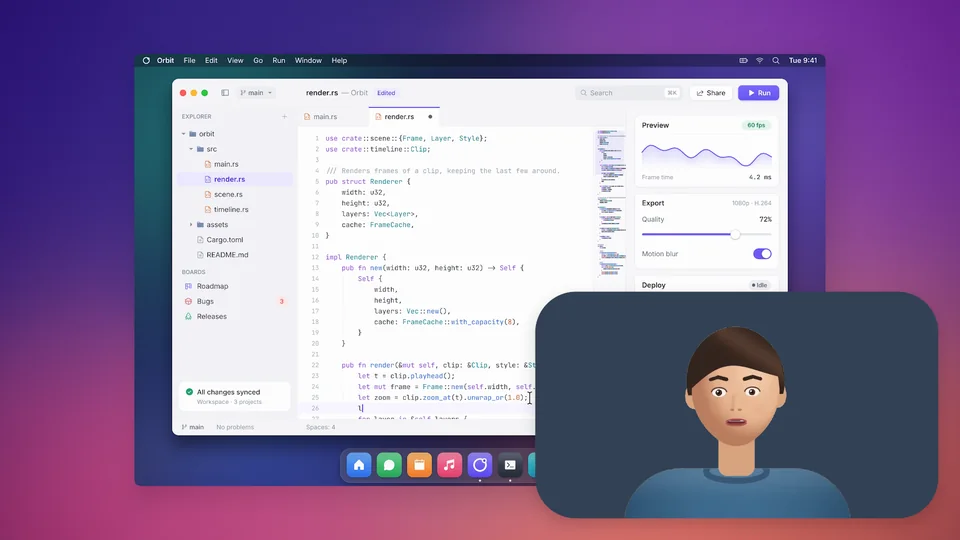
Make YouTube videos with your screen and your face.

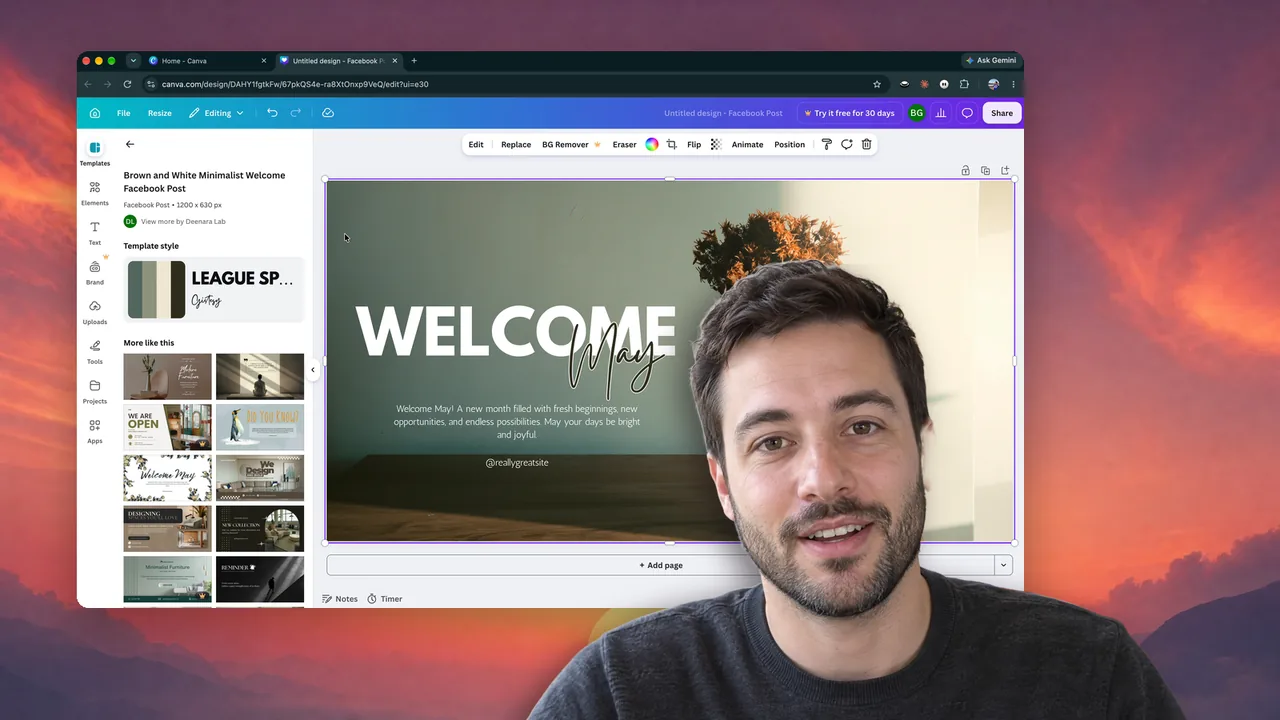
Cinemac keeps you framed, cuts out your background without a green screen and zooms in on the action. One export gives you the video, a captioned Short, a thumbnail and chapters.

macOS 15 or laterApple siliconFree trial
What you’ll make
  • Tutorials
  • App reviews
  • Walkthroughs
  • Shorts
What it does

You, looking good. The rest, done.

The camera is half your video. Cinemac treats it that way.

01 · Camera

You, on camera, looking good.

Cinemac keeps your face in frame as you move, blurs or replaces the room behind you and adds a colour look. You can change all of it after you record.

  • Follow face
  • Blur or replace your room
  • Colour looks
Background blur
02 · Cutout

No green screen.

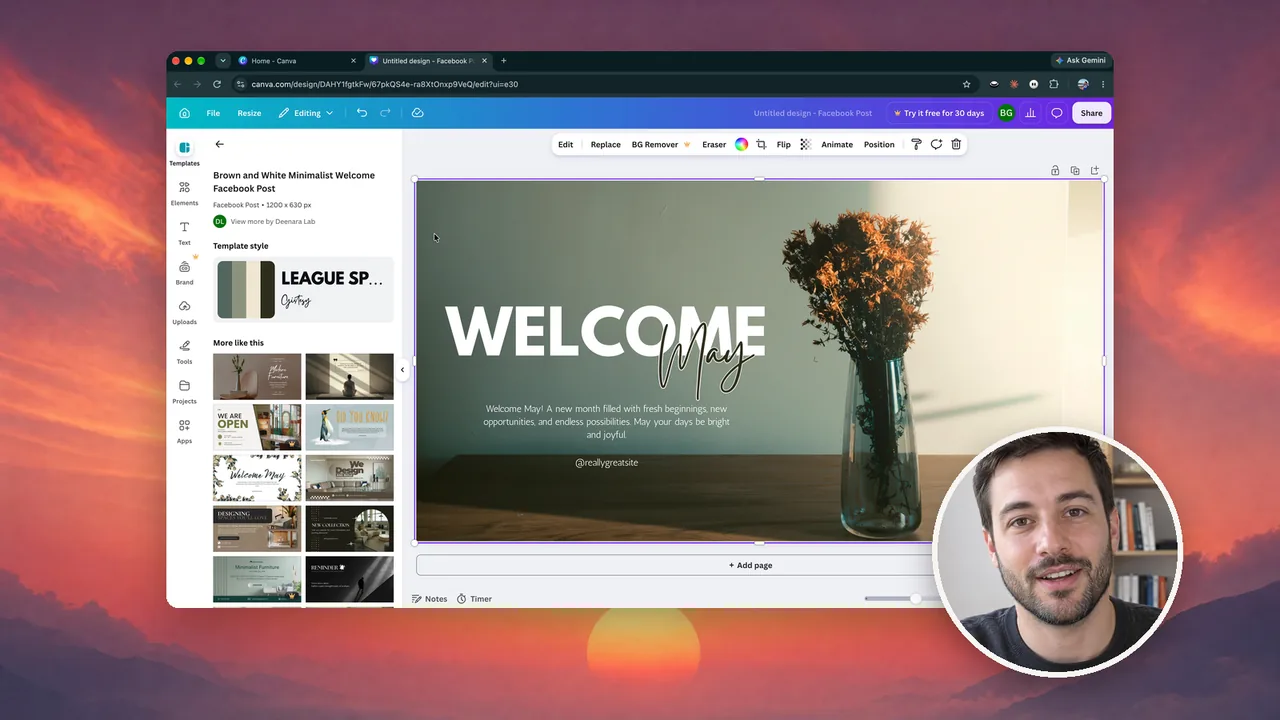
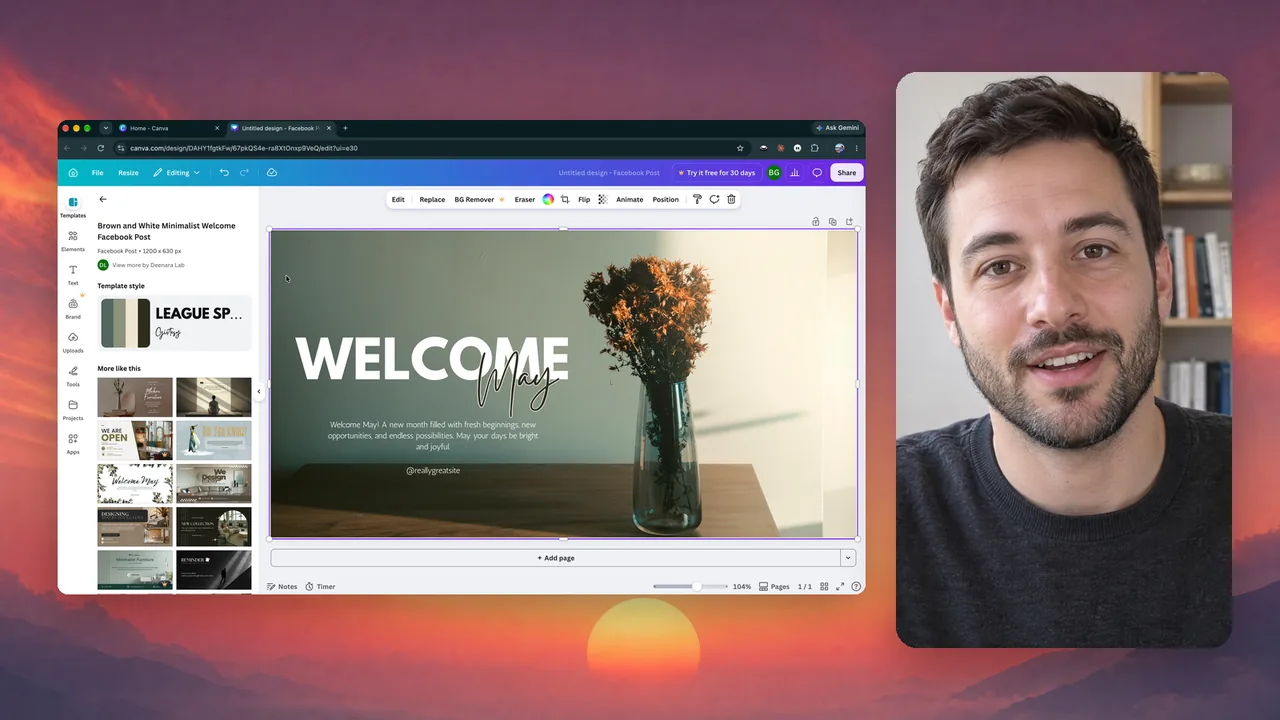
Cutout puts you over your screen with the background removed. Start full screen, then move to the corner or side by side as often as you like.

  • Cutout
  • Four layouts
  • Changes over time
Camera layouts
03 · Upload

Ready to upload.

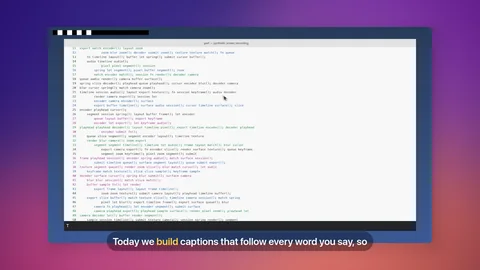
One export gives you the video, a captioned vertical Short under 30 seconds, a thumbnail and YouTube chapters. Music from the built-in library dips under your voice.

  • 4K at 60 fps
  • Short, thumbnail, chapters
  • Music library
The launch pack
And the rest

Everything else you’ll use.

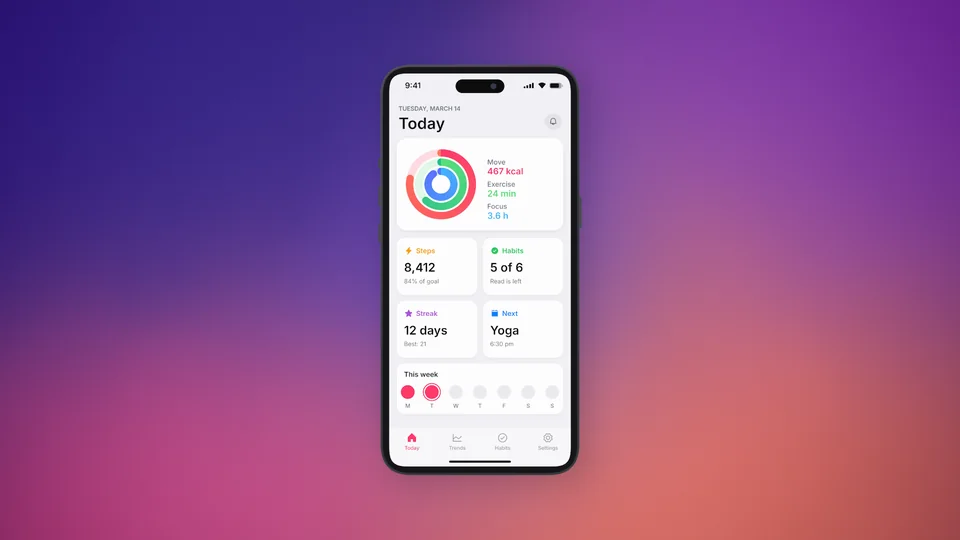
iPhone and iPadRecord an app over a cable, shown in a device frame.
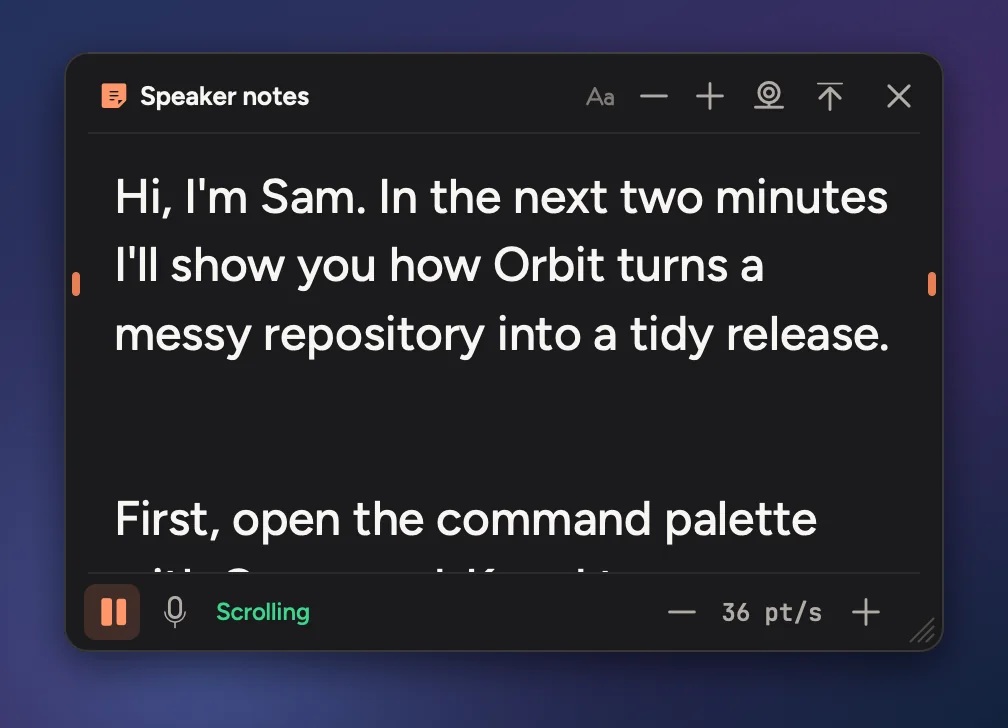
Speaker notesYour script under the camera. It scrolls as you talk.
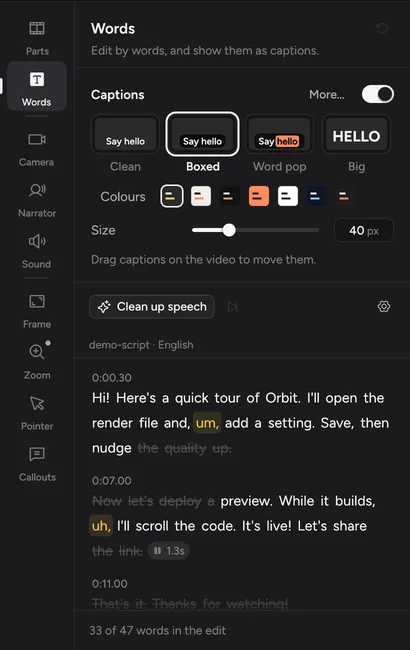
Clean up speechOne button cuts ums, restarts, coughs and long pauses.
Record yourself laterRecord the screen first, then film yourself over the edit.
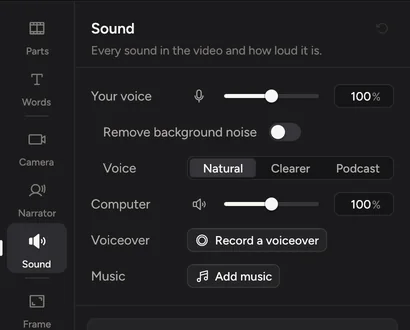
Clean soundBackground noise removed, your voice levelled.
CaptionsFour looks, made on your Mac from what you said.
Private

Your recordings stay on your Mac.

Cinemac records, edits and exports on your computer. Something only leaves your Mac when you send it. We couldn’t watch your bloopers if we wanted to.

  1. Screen, camera and microphoneOn your Mac
  2. Transcripts and captionsOn your Mac
  3. Face framing and background blurOn your Mac
  4. AI voice and presenter, if you use themYour own account
Pricing

Try it free. Then $20 a month, or $129 a year.

Every update included. Cancel anytime.

Questions

Quick answers.

Do I need a green screen?

No. Cinemac separates you from your background on your Mac, frame by frame, so you can use Cutout, blur your room or replace it with a picture.

Can I make Shorts?

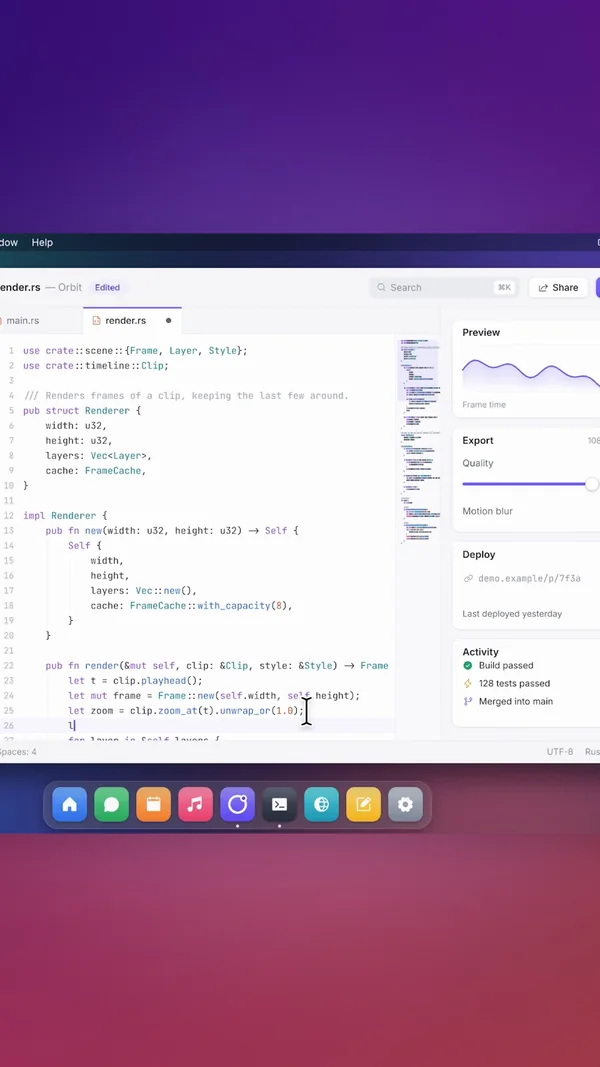
Yes. The launch pack makes a captioned 9:16 clip under 30 seconds from your video’s strongest moments. You can also switch the whole video to vertical.

Can I record an iPhone app for a review?

Yes. Plug it in with a cable, unlock it and tap Trust. Cinemac records its screen and sound and shows it in a matching device frame.

Which camera do I need?

Any webcam works, including your Mac’s built-in camera. Cinemac records the camera at up to 4K on its own, so you can change how you appear after you record.

Can I read from a script?

Yes. Speaker notes sit under your camera where only you can see them, and scroll as you talk.

Is there a free trial?

Yes. Download Cinemac, sign in with your email and record and edit your own video for free. To save projects and export videos, subscribe: $20 a month, or $129 a year. See pricing.
Demos that edit themselves.

One subscription for Mac and PC. Record and edit free. Subscribe when you’re ready to save and export.

macOS 15 or later · Windows 10 and 11